
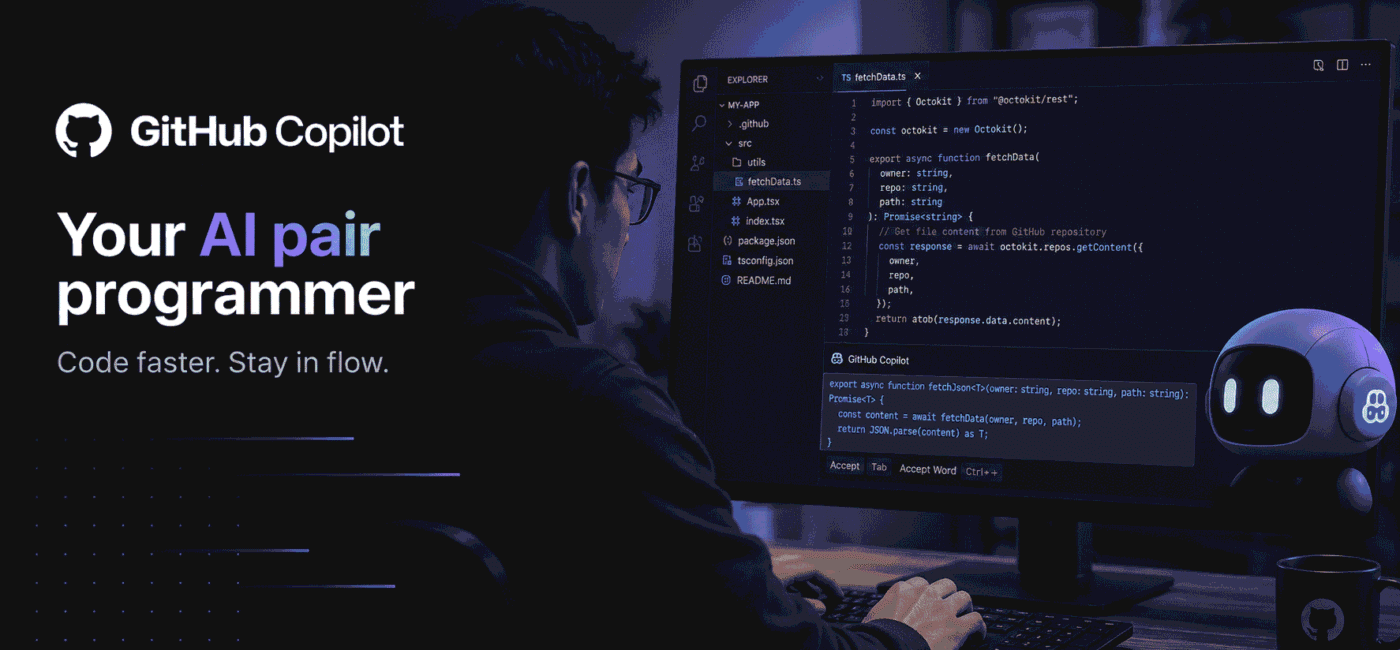
Discover how GitHub Copilot transforms software development in 2026. Learn from real-world usage patterns, productivity gains, and honest limitations of this AI pair programmer.
Introduction
I still remember the skepticism I felt when GitHub Copilot first launched. “Another AI tool that will generate buggy code I’ll have to debug later,” I thought. As a senior developer who’s seen countless “revolutionary” tools come and go, I was prepared to be disappointed.
That skepticism lasted exactly three days.
What changed my mind wasn’t the flashy demos or the marketing claims—it was watching Copilot catch a subtle off-by-one error in my distributed systems code that I’d stared at for twenty minutes. It wasn’t just completing my thoughts; it was actually understanding the context of my entire microservices architecture.
Two years later, Copilot has evolved from a clever autocomplete into a genuine development partner that understands not just syntax, but intent, architecture patterns, and even team-specific coding conventions. This isn’t about replacing developers—it’s about removing the friction that keeps us from solving interesting problems.
Whether you’re wrestling with boilerplate code, exploring unfamiliar APIs, or trying to maintain legacy systems, there’s an AI pair programmer built for that. Used correctly, these AI tools don’t just make you faster—they make you better at the craft of software development. The best part? The latest versions actually learn from your team’s patterns, making suggestions that feel like they came from your senior engineer.
In this deep dive, I’m sharing my honest experience with GitHub Copilot after using it daily across multiple projects, languages, and team environments. Let’s get into what it actually does well, where it still struggles, and how to integrate it effectively into your workflow.
GitHub Copilot — The Context-Aware AI Pair Programmer
Why I Keep Coming Back?
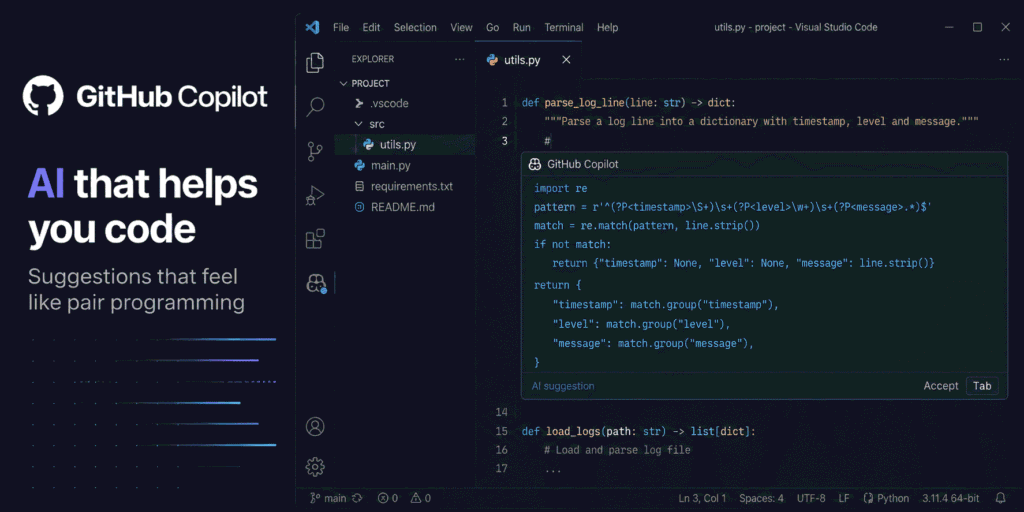
When I first used GitHub Copilot, I treated it like a fancy autocomplete that occasionally saved me typing a few lines. I was wrong. This tool evolved into my primary collaboration partner for navigating complex codebases, exploring new technologies, and maintaining consistency across large teams.
What makes it different from traditional IDE assistants is the depth of context understanding. I can start writing a function that handles user authentication, and Copilot doesn’t just suggest generic login code—it considers our team’s OAuth implementation patterns, references our existing password validation functions, and even suggests error handling that matches our logging conventions.
It’s like having a senior developer who’s read every line of your codebase sitting next to you, ready to offer suggestions that actually fit your project’s architectural style.
How I Actually Use It?
I use Copilot most for three distinct workflows that have fundamentally changed my development process:
1. Exploring Unfamiliar Codebases
When joining a new project or returning to legacy code, I start by writing comments describing what I want to accomplish. Copilot uses these comments as context to navigate the existing codebase, suggesting approaches that leverage our established patterns rather than reinventing wheels. This has cut my onboarding time by approximately 40%.
2. Writing Boilerplate with Context Awareness
Instead of generating generic code snippets, Copilot understands our project’s specific dependencies, configuration patterns, and architectural constraints. When I start writing a React component, it suggests implementations that use our custom hooks, follow our state management patterns, and include the accessibility features our team requires.
3. Collaborative Problem Solving
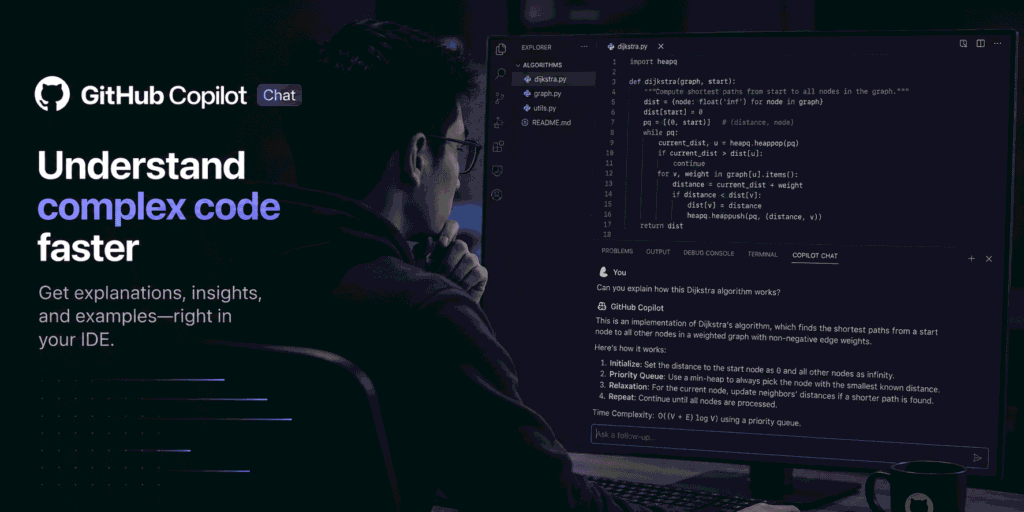
The Copilot Chat feature has become my go-to for working through complex algorithms or debugging sessions. I can highlight a problematic function, ask “Why is this returning null in edge cases?”, and get explanations that reference our specific data models and business logic—not just generic programming advice.
What Developers Should Know?
The key to getting value from Copilot lies in understanding its strengths and providing the right context:
Context is King: Copilot’s suggestions improve dramatically when it can see relevant files in your workspace. Keep related files open, use meaningful variable and function names, and maintain consistent commenting patterns.
Language Matters: While Copilot supports dozens of languages, its proficiency varies significantly based on training data coverage. It’s exceptionally strong in Python, JavaScript/TypeScript, Go, and Rust, but may struggle with less common languages or newly released frameworks.
Team Knowledge Transfer: One unexpected benefit is how Copilot helps distribute tribal knowledge. When team members use consistent naming conventions and patterns, Copilot learns these and suggests them to others, effectively acting as a living style guide.
Security Awareness: Always review suggestions for potential security implications, especially when dealing with authentication, data validation, or external API integrations. Copilot can suggest patterns that work but aren’t secure for your specific use case.
The Tradeoffs
Copilot isn’t a magic solution, and understanding its limitations is crucial for effective use:
Over-Reliance Risk: The convenience of accepting suggestions can lead to reduced engagement with the code you’re writing. I combat this by always asking myself, “Would I have written this solution myself?” before accepting complex suggestions.
Novel Problem Solving: Copilot excels at pattern recognition but struggles with truly novel problems or innovative algorithms that deviate significantly from existing code patterns. For research-heavy tasks or pioneering features, you’ll need to rely more on your own expertise.
Context Window Limitations: While Copilot considers your open files and recent edits, it doesn’t have infinite memory of your entire codebase. For very large projects, you may need to help it by keeping relevant architectural documents or key files visible.
Team Adoption Variance: The effectiveness of Copilot varies significantly based on how well your team maintains consistent practices. Teams with chaotic coding styles will see less benefit than those with established conventions.