
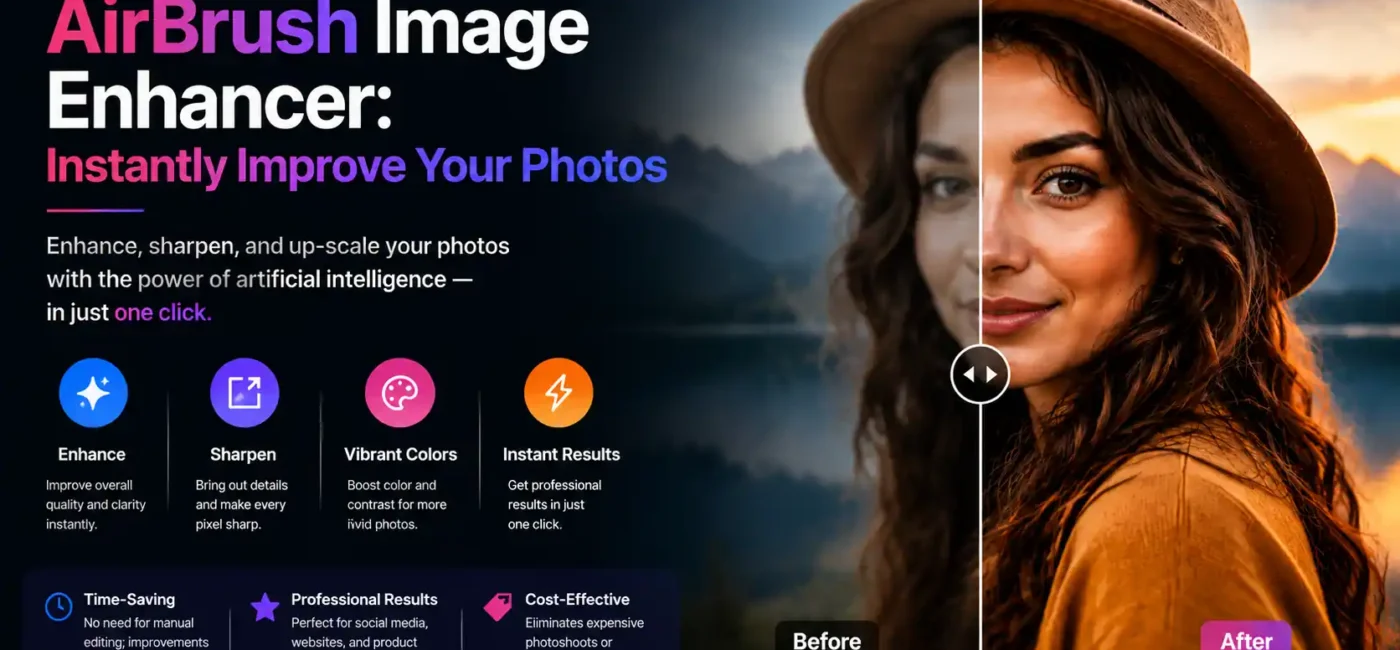
In today’s fast-paced digital world, visuals speak louder than words. Whether you’re sharing your latest adventures on social media, running an online store, or simply capturing life’s little moments with your camera, having photos that are crisp, clear, and vibrant can make all the difference. Blurry, dull, or poorly lit images can easily get lost in the endless scroll of feeds, reducing engagement and leaving a less-than-stellar impression. This is exactly where a reliable image enhancer like AirBrush comes into play. It’s not just another photo-editing tool—it’s a smart assistant that instantly transforms your everyday photos into polished, professional-looking images. With AirBrush, you don’t need to spend hours tweaking settings or learning complex editing software. Just a few clicks can sharpen details, brighten colors, balance lighting, and bring out the best in every shot.
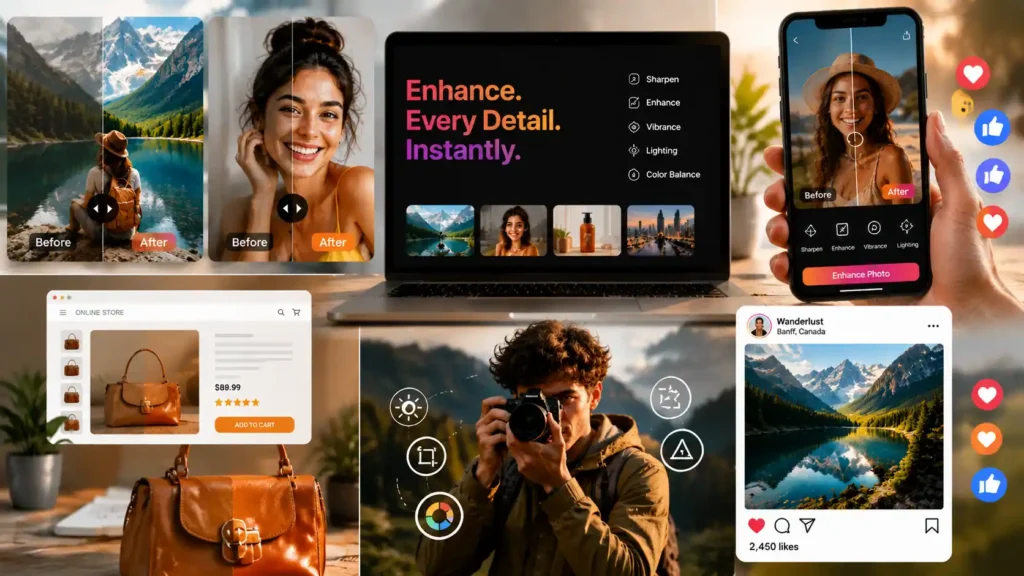
Whether it’s making a product pop for an online store, giving your selfies a flawless finish, or turning scenic landscapes into stunning, share-worthy visuals, AirBrush makes it easy. Essentially, it allows anyone, regardless of skill level, to produce high-quality, eye-catching images that grab attention, convey professionalism, and leave a lasting impression wherever they are shared. In a world where visual content is king, having an effective image enhancer is no longer a luxury; it’s a necessity.
Table of Contents
Why Enhanced Photos Matter More Than Ever
Imagine you’re posting a family picture or uploading a product image online. Even if the photo has a great subject, poor image quality can distract viewers and make your visual content less effective. With digital content popping up everywhere, better photos grab attention, generate trust, and communicate your message clearly. AI technology now allows anyone — beginners and pros alike — to improve photos instantly without hours of editing work. One such powerful tool is AirBrush AI Image Enhancer, and in this article, we break down how it helps you make every photo look its best.
What Is AirBrush Image Enhancer?
AirBrush Image Enhancer is a web-based AI photo improvement tool that instantly upgrades your images with minimal effort. Instead of doing manual edits with professional software, this tool automatically analyzes your photo and improves its quality by adjusting color, contrast, clarity, sharpness, and even resolution. It is designed to be simple for all users — whether you’re editing holiday pictures, product shots, or beautiful landscapes — and delivers enhanced visuals fast, often in seconds.
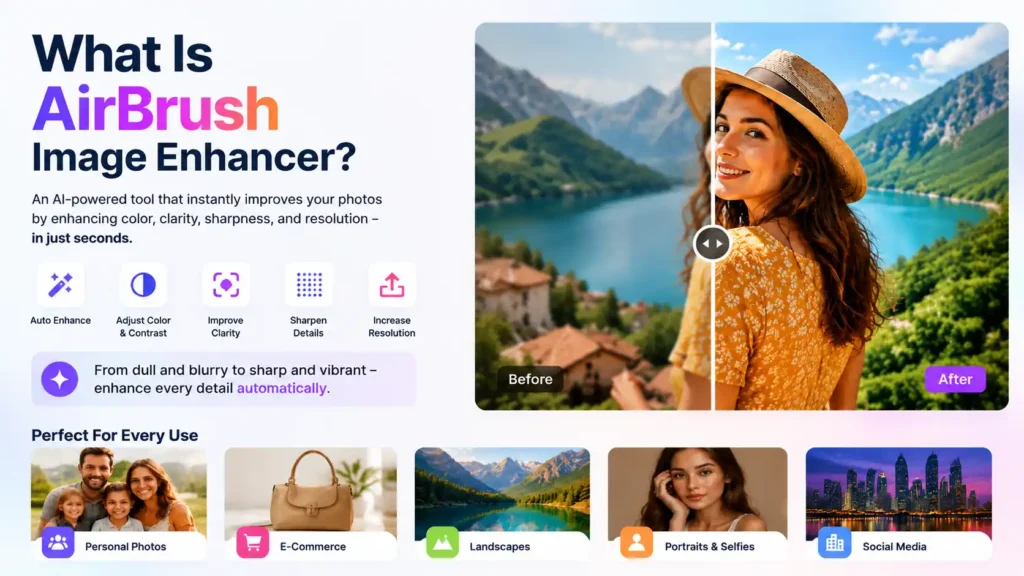
In short, AirBrush makes professional-quality photo enhancement accessible to everyone. Whether you’re a beginner snapping pictures on your phone or a small business owner showcasing products online, this image enhancer helps your photos look sharper, brighter, and more vibrant—instantly elevating the visual appeal of every shot.
How AI Makes Ordinary Photos Look Amazing
Artificial intelligence works differently from traditional photo filters. Instead of applying preset color changes or fixed effects, an AI image enhancer studies your photo pixel by pixel and understands what each part represents. It then makes intelligent decisions to improve:
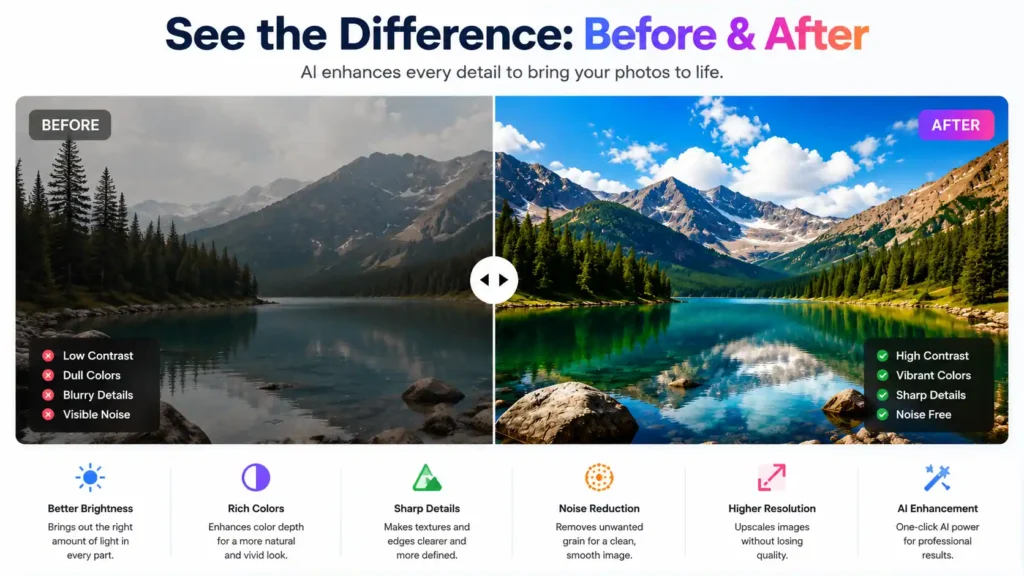
- Brightness and contrast: Bringing out darker shadows and balanced highlights.
- Color depth: Enhancing saturation to make colors more lifelike.
- Clarity: Making tough details like hair, fabric, or architectural lines sharper and cleaner.
- Noise reduction: Eliminating grain or speckles that appear in low-light images.
- Upscaling: Increasing resolution so photos can be enlarged without losing quality.
This smart approach makes images look enhanced but still natural and real, not artificial or heavily edited.
Key Features of AirBrush AI Image Enhancer
AirBrush doesn’t just enhance photos; it upgrades them with features that matter most in modern photography:
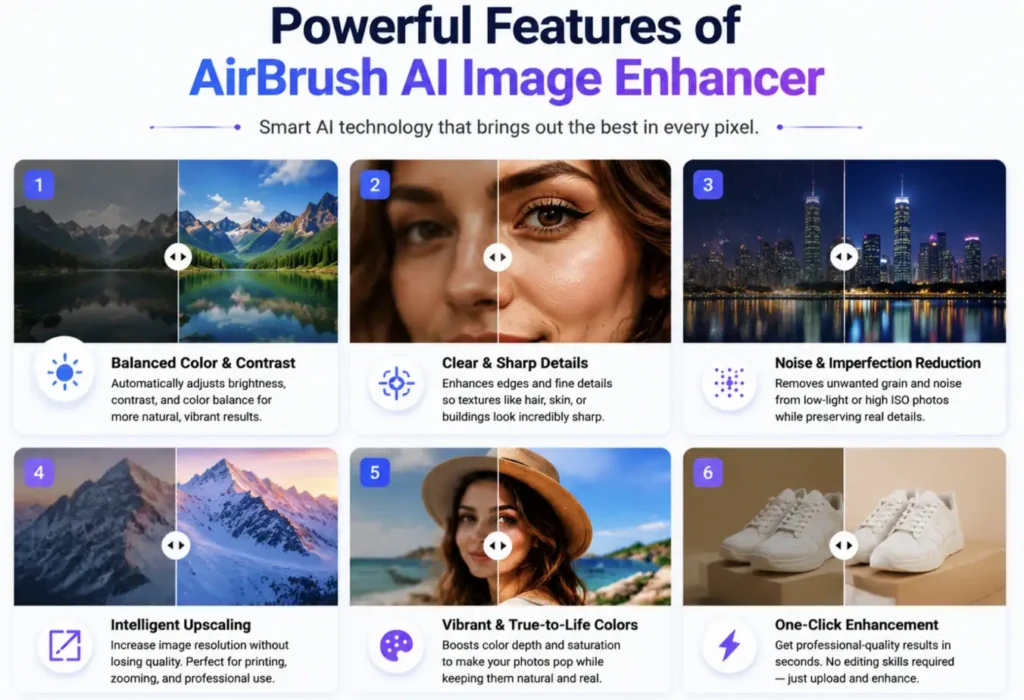
1. Balanced Color and Contrast
The enhancer looks at your photo’s light and dark areas and adjusts them so colors appear richer and more balanced. This means sunsets look warmer, portraits look more vibrant, and landscapes feel dramatic yet realistic. It’s like letting in more light without overexposing anything.
2. Clear and Sharp Details
Soft edges or blurry textures can ruin a great image. AirBrush carefully increases sharpness and defines edges so the smallest details — such as fur textures, hair strands, or architectural features become noticeably clearer. Sharp photos attract attention because they feel professional, not blurry or washed out.
3. Noise and Imperfection Reduction
Noise is those speckles you notice when photos are taken in low light or high ISO settings. AirBrush uses advanced algorithms to reduce this noise without smoothing out real details. This means smoother skies without plastic-looking surfaces.
4. Intelligent Upscaling
Sometimes you want to zoom into a part of an image or print a photo in a larger format. Upscaling is the process of increasing the size of the image while keeping the sharpness and quality intact. Many traditional editors just stretch pixels and make pictures blurry, but AI enhancers like AirBrush rebuild details during upscaling, so bigger photos stay crisp and detailed.
Why This Tool Is Relevant in 2026?
By 2026, AI has become more powerful and accessible for everyday people. Tools like AirBrush have democratized photo editing so much that you no longer need expensive software or training to create high-quality images. Whether you’re a hobbyist who wants better family photos or a business owner needing eye-catching visuals for your website, these AI enhancements save time and deliver dramatic results with minimal effort. It’s especially useful when visuals compete for attention online better photos often get more engagement, shares, and trust from viewers.
Benefits of Using AirBrush Image Enhancer
1- Time-Saving
Traditional photo editing is slow. You’re manually tweaking brightness, contrast, sharpness, and color balance, and before you know it, an hour’s gone. AirBrush automates all of that. Upload your image, and it’s done. That’s time back for whatever actually matters — posting content, running your business, or just not staring at sliders.
2- Better-looking photos, no experience needed
Most people aren’t photo editors, and that’s fine. AirBrush gets your photos looking sharper and better-lit without you having to learn anything. Whether you’re posting on Instagram, updating a product page, or just want cleaner visuals, the output looks like you knew what you were doing.
3- Cheaper than the alternatives
Hiring a photographer or paying for Lightroom or Photoshop adds up fast — especially if you’re a freelancer or small business owner who just needs decent images. AirBrush costs a fraction of that. You get good results without needing extra gear, a studio, or someone else to do the work.
4- Consistent quality across all your photos
AirBrush ensures that every photo you edit maintains a consistent level of quality. This is especially valuable for businesses, social media creators, and e-commerce sellers who need a uniform and professional look across all their visuals. With consistent enhancements, your brand or personal content always looks polished and reliable.
5- User-Friendly and Accessible
There’s no learning curve here. You don’t need to know what a histogram is or how layers work. The interface is straightforward enough that you can go from upload to finished image in a few clicks.
Who Can Benefit — Real-Life Use Cases

Everyday Users: Enhance family photos, travel shots, and candid moments to create beautiful keepsakes.
Social Media Creators: Make posts vibrant and professional, attract more engagement, and maintain consistent branding.
Small Businesses & E-Commerce: Improve product photos with sharper details and accurate colors to build trust and drive sales.
Professional Photographers: Speed up workflows by letting AI handle initial color correction and clarity improvements, leaving more time for fine-tuning.
Marketing Teams: Quickly produce eye-catching visuals for campaigns, ads, and social media without needing a full design team.
Content Creators & Bloggers: Keep all website, blog, and newsletter images polished and professional.
Step-by-Step Guide: How to Use AirBrush Image Enhancer
Everyone can use this tool without technical skills. Here’s how it works:
- Open the Enhancer Interface: Go to the AirBrush image enhancer page on your browser.
- Upload Your Image: Drag and drop the photo you want to enhance.
- Apply AI Enhancement: Click the enhance button and let the AI analyze and improve your photo.
- Preview Before Saving: You can see the enhanced version before downloading.
- Download the Improved Photo: Once satisfied, save the final image to your device.
That’s it, no complicated sliders or adjustments needed.
Common Mistakes to Avoid
Even though AI enhancement is powerful, it’s not magical. Here are some pitfalls to watch for:
- Expecting perfect results from extremely blurry photos: If the original image is severely out of focus, no enhancer can fully restore fine detail.
- Relying on enhancements for every photo: Sometimes, a natural photo can look better with only slight modifications; too much AI enhancement can make an image look artificial.
- Skipping manual tweaks when needed: Enhancers give a great start, but sometimes you may want to make small adjustments afterward in dedicated editors.
Tips to Get the Best Results
- Always start with the highest quality original you have; AI can enhance but not create missing detail.
- Use enhancement first, then add creative edits like filters or cropping separately.
- Try enhancing similar photos side by side to compare different results before choosing the best final image.
Pros and Cons: What You Should Know
Pros
- Very easy to use — one click enhancement for most needs.
- Improves clarity, color, contrast, and resolution quickly.
- No software installation needed — works in browser.
- Suitable for personal, professional, and commercial visuals.
Cons
- Only improves one image at a time.
- Not as deep in manual control as professional desktop editors.
- Very low-quality source images may still struggle with fine detail.
Comparison with Other AI Enhancement Tools
There are many AI‑powered image enhancers available, but what sets AirBrush apart is its combination of speed, simplicity, and instant results. Unlike Remini, which focuses mainly on upscaling and restoring old or low‑resolution photos, AirBrush enhances color, clarity, contrast, and sharpness across a wide range of image types. Let’s Enhance is known for upscaling images for prints or e‑commerce, while PhotoGrid AI Enhancer specializes in quick mobile edits with filters and basic fixes. AirBrush, by contrast, delivers polished, professional‑looking results in just seconds, making it ideal for everyday users, social media creators, small businesses, and anyone who wants high‑quality edits without a steep learning curve.