
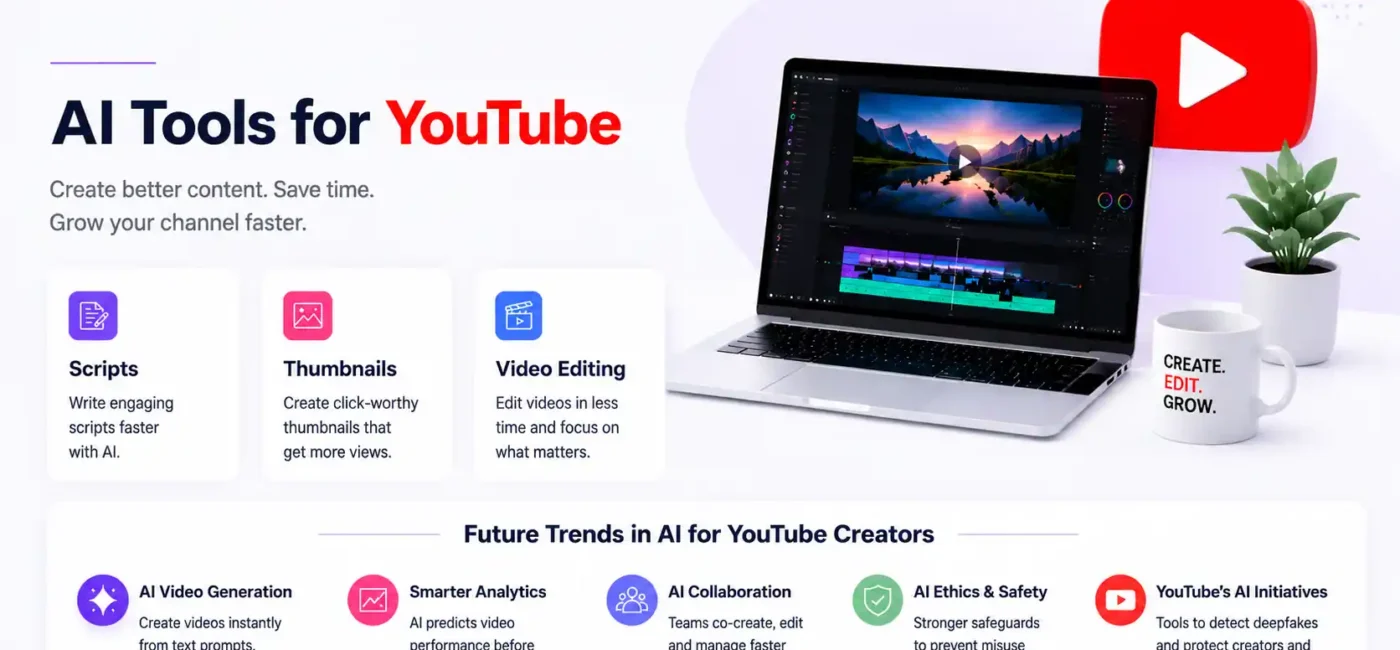
If you’re a YouTube creator in 2026, the pressure to produce high-quality content faster and smarter has never been greater. With millions of videos uploaded every day, channel growth isn’t just about creativity anymore — it’s also about efficiency, analytics, and strategic execution. That’s where AI tools for YouTube come in, streamlining time-intensive tasks like scripting, editing, and thumbnail design into streamlined workflows. These tools save hours of effort while helping you create more engaging videos faster than ever before.
In this detailed guide, we’ll walk you through the best AI tools available in 2026 for YouTube creators, from writing powerful scripts to generating thumbnails that drive clicks — and everything in between. No matter your niche, experience level, or production style, you’ll walk away with a stack of tools that can level up your content game.
What this article covers:
- How AI tools for YouTube streamline tasks like scripting, editing, and thumbnail creation
- Why AI-driven platforms are replacing the need for multiple separate apps
- How ChatGPT speeds up video scriptwriting, brainstorming, and content planning
- Why Claude works better for longer, more detailed video scripts and research-based content
- How Pictory AI, Synthesia, and InVideo simplify high-volume video production from one script
- How Descript and CapCut automate video editing and voiceover generation
- Why AI thumbnail generators like Thumbly and 1of10 improve click-through rates
- How vidIQ and TubeBuddy optimize titles, tags, and metadata to boost discoverability
- Why platforms like Lumen5 and Runway ML help creators transform scripts into ready-to-upload videos
- How all-in-one AI tools allow creators to produce professional videos faster while retaining creative control
- What future AI trends mean for creators, including real-time video generation and predictive analytics.
Why YouTube Creators Need AI in 2026
AI isn’t just a buzzword — it’s a game-changer for creators at all levels. Let’s break down what that really means.
The Evolving Role of AI in Content Creation
In 2026, YouTube isn’t just a platform for uploading videos — it’s a data-driven ecosystem where search, engagement, and watch time determine success. AI tools can help creators:
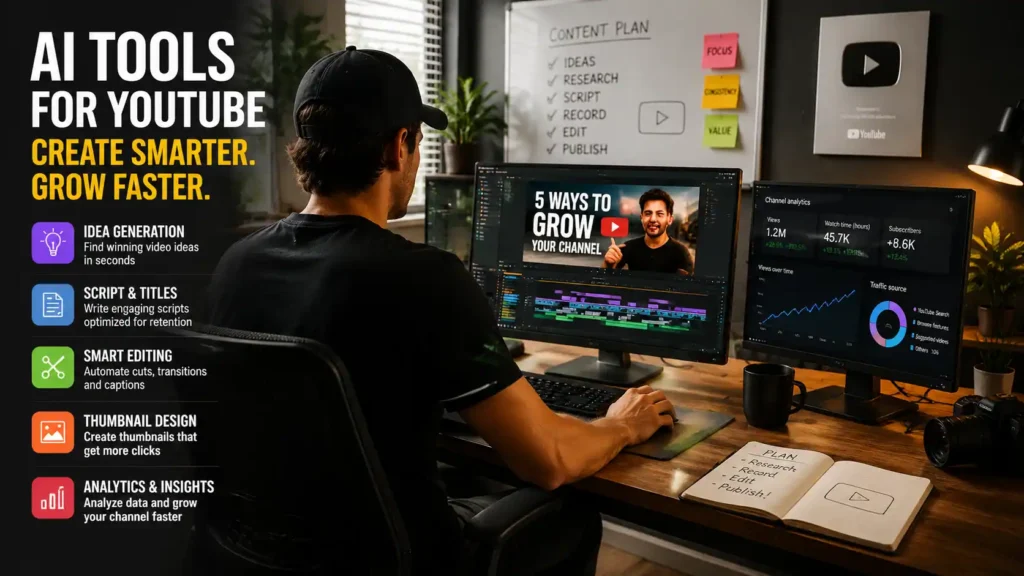
- Brainstorm and validate winning video ideas in seconds
- Write polished video scripts and titles optimized for audience retention
- Automate editing and captions
- Generate thumbnails that increase click-through rates
- Provide insights from analytics so you can grow faster
With the right AI stack, what once took days can now be accomplished in hours — without sacrificing quality.
What Tasks AI Can Automate
At its core, AI helps creators with repetitive or technical tasks so you can focus on creative storytelling. Here’s what AI can do today:
- Generate video scripts and outlines
- Suggest trends and keywords for better SEO
- Edit video footage with smart cuts and transitions
- Auto-generate voiceovers and subtitles
- Design thumbnails that are optimized to draw viewers
These AI tools don’t replace your creativity — they amplify it.
Scriptwriting & Ideation Tools
Every successful YouTube video starts with a solid idea and a compelling script. AI tools today can help with both.
AI for Generating Video Scripts
One of the biggest bottlenecks in content creation is writing scripts. A strong script needs a catchy hook, clear message, natural transitions, and engaging phrasing — and that’s where AI like ChatGPT shines. Tools based on large language models can:
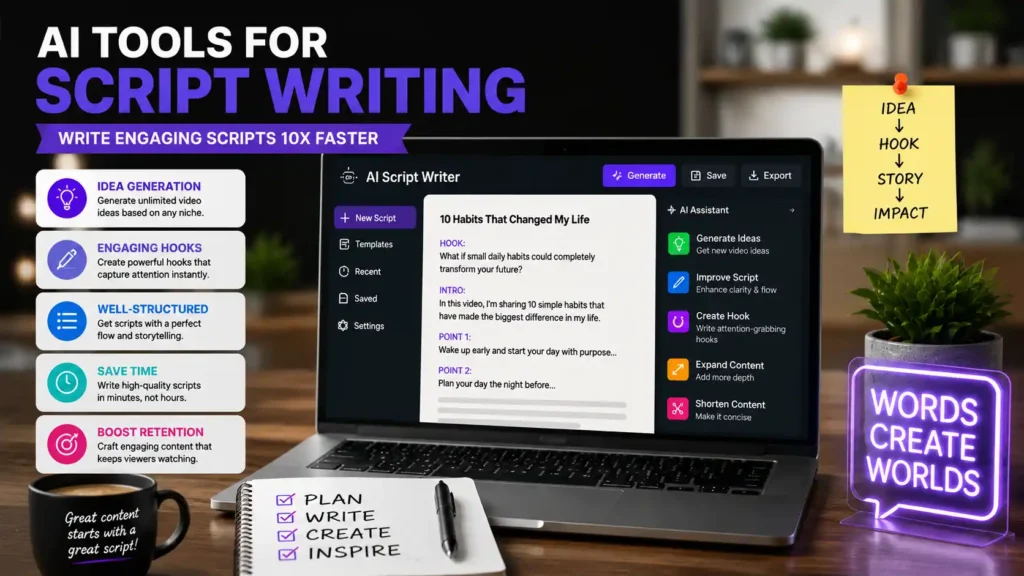
- Generate video scripts from prompts
- Craft hooks and engaging intros
- Rewrite or expand content based on tone or audience
- Suggest subtitles, CTAs, and structure
For example, ChatGPT / Claude is widely recognized as one of the best tools for YouTube scripting, helping creators plan scripts, produce outlines, and even write full dialogue.
It’s not a perfect replacement for human creativity, but it drastically cuts down scripting time — which is why many successful channels rely on it as part of their workflow.
AI for Topic & Trend Research
Before you write a script, you need to pick the right topic. AI research tools can help you:
- Discover trending topics
- Identify gaps in your niche
- Pull up relevant facts and sources for research
Platforms like Perplexity AI serve as intelligent research assistants that provide context, sources, and reliable information — perfect for explainer channels or educational content.
Tools for Idea Validation
Idea generation isn’t enough — you need to know if a concept will resonate. Some AI platforms analyze YouTube search trends, viewer interest, and social activity to validate ideas before you invest time writing a script.
As part of a full content strategy, combining idea validation with tools that suggest actual titles and hooks will put you ahead of the curve.
AI Tools for Video Editing & Production
Once your script is ready, the next big step is to turn it into high-quality video content. This is where AI saves creators the most time in production.
AI Video Editors
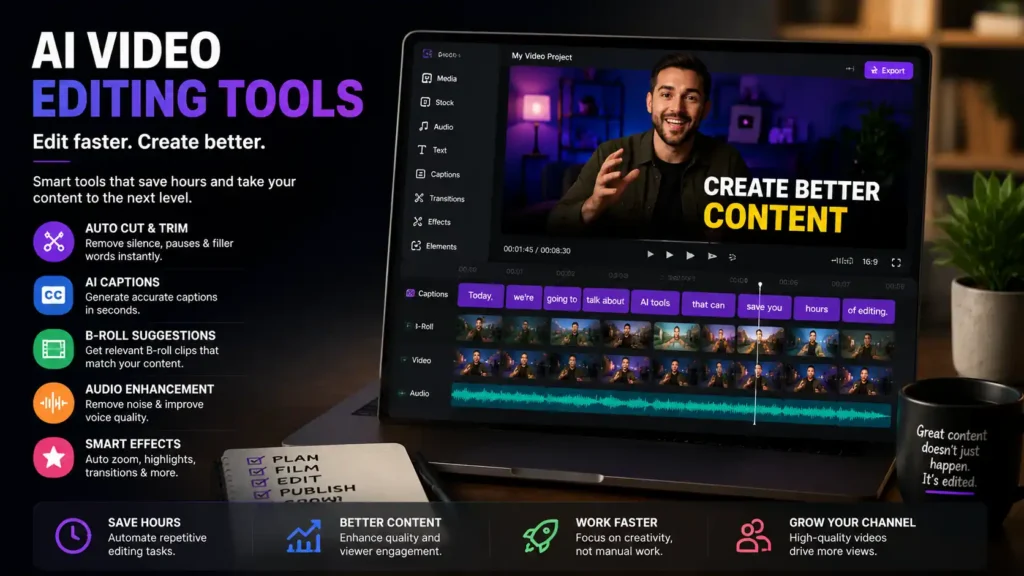
Traditional editing can be the most time-consuming part of the process. AI video editors can help by:
- Automatically cutting filler content
- Detecting scenes and structure
- Auto-adjusting brightness and sound levels
- Adding transitions and effects
Tools like Descript allow creators to edit videos like a text document — remove filler words, rearrange scenes, and even generate voiceovers right from the text. It also handles transcription, making editing a breeze.
For mobile creators or shorts creators, tools like CapCut incorporate AI features like auto-captioning, motion tracking, and sound editing to speed up production without needing a complex desktop setup.
Auto Captions and Transcript Tools
Auto captions aren’t just for accessibility — they help with SEO and viewer engagement. AI transcription tools can:
- Automatically generate captions
- Sync subtitles to your video timeline
- Translate subtitles for global audiences
These tools are incredibly helpful for channels that aim to reach an international audience or produce long-form content that benefits from clear dialogue structure.
AI Voiceover Generators
Not all creators want to record their own voice, and that’s where AI voice generators come in. Services like ElevenLabs provide studio-quality text-to-speech conversion, allowing creators to generate natural-sounding voiceovers based on text.
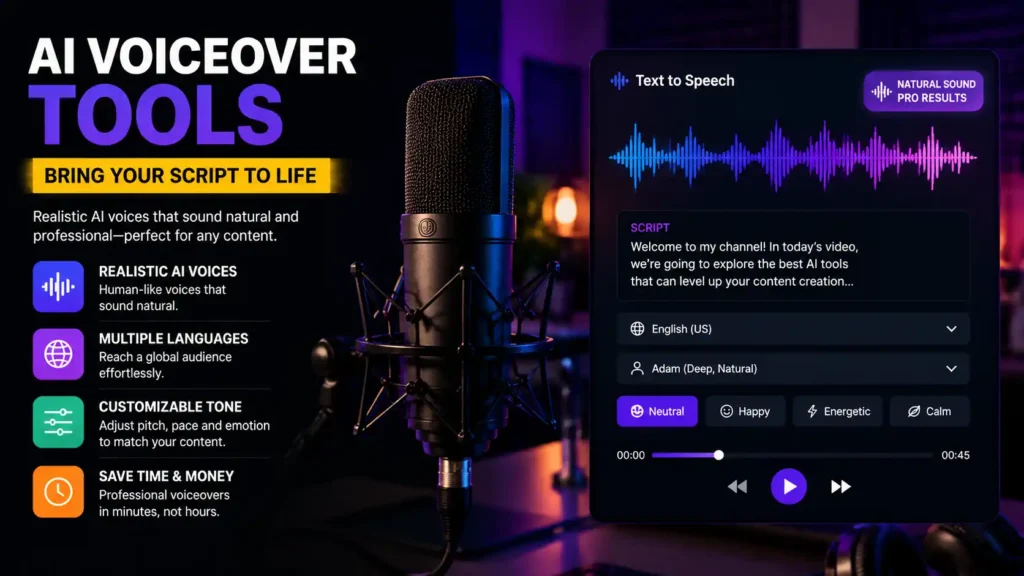
This is especially helpful for faceless YouTube channels — channels that don’t feature the actual creator on camera. With AI voiceovers, you can go from script to voice in minutes without recording equipment.
Thumbnails & Visual Creation AI
Thumbnails are the first thing viewers notice — and they directly influence whether someone clicks on your video or scrolls past it. AI tools are transforming thumbnail creation from a design chore into a data-driven process.
AI Thumbnail Generators
AI thumbnail generators take simple text prompts or video descriptions and turn them into thumbnails that are optimized for YouTube performance. Tools like Thumbly and 1of10 are trained on databases of high-performing YouTube thumbnails, meaning they don’t just generate a pretty image — they generate thumbnails designed to increase viewer curiosity and click-through rates.
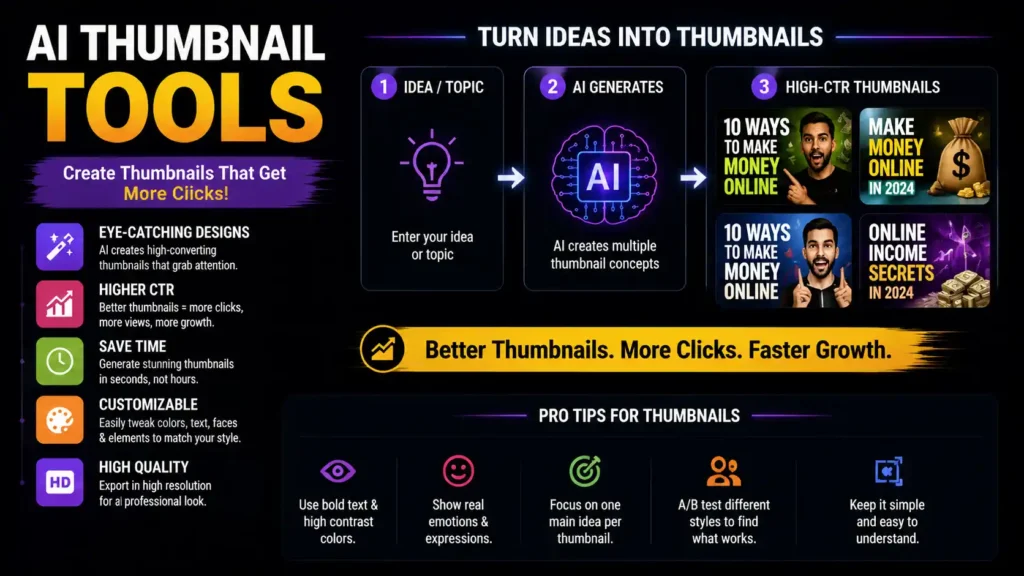
Some newer tools go a step further, offering:
- Face detection and enhancement
- Performance prediction scores
- A/B testing of multiple thumbnail variants
- Automated placement of text and visuals
This helps creators scale output without sacrificing thumbnail quality — something that can directly impact views.
Thumbnail Optimization
Beyond generation, AI tools can also analyze which parts of your thumbnail are underperforming. This is often done by comparing how a thumbnail performs against millions of others or running A/B tests within YouTube itself. Getting this right can be the difference between a video that explodes and one that stagnates.
YouTube SEO & Growth Optimization Tools
Creating engaging content is just one part of the battle — you also need to optimize that content for discoverability.
AI Title & Tags Optimization Tools
SEO tools like vidIQ and TubeBuddy integrate AI to help you write titles, descriptions, and tags that are optimized for YouTube search algorithms.
These platforms analyze:
- Search volumes
- Keyword competition
- Trends in your niche
- Similar top-ranking videos
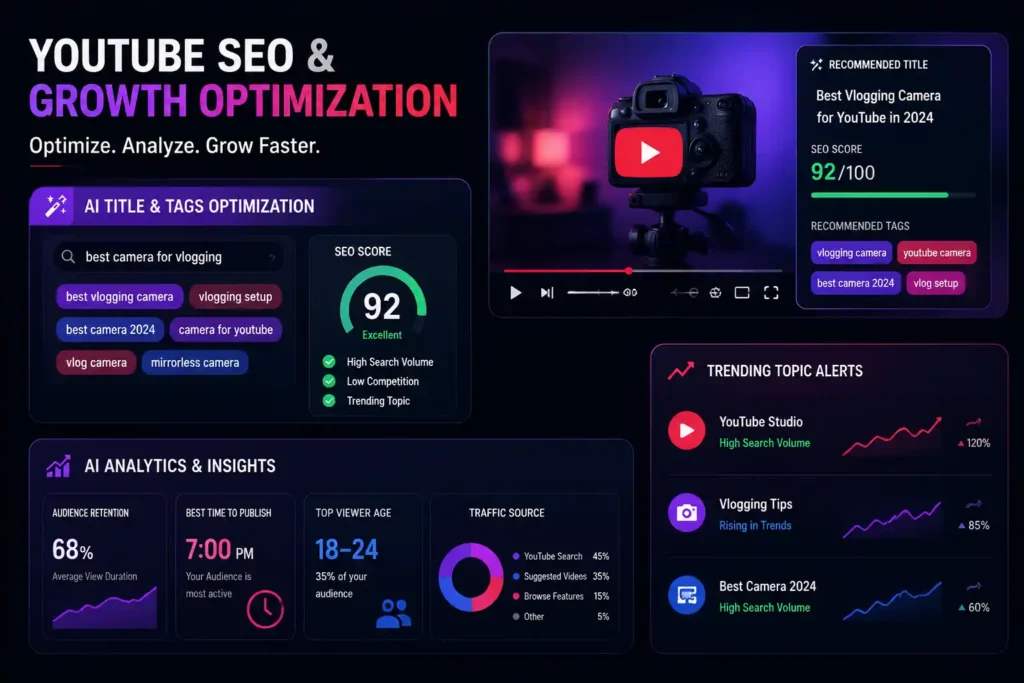
And then suggest keywords, metadata, and titles that can boost your video’s visibility. VuIQ’s AI features even provide trending alerts and topic suggestions to keep your content strategy fresh.
Analytics & Trend Tracking
AI analytics platforms give creators actionable data — not just raw views and likes. They help you understand:
- Audience retention patterns
- Recommended posting times
- Demographic insights
- Performance of related content
This allows you to refine your strategy and publish videos that are more likely to perform well.
Complete All-in-One AI Platforms
In 2026, some of the most powerful AI tools for YouTube now offer end-to-end platforms that manage every stage of video creation — from generating ideas and writing scripts to final editing and publishing. These all-in-one solutions are perfect for creators who want to focus on storytelling and engagement rather than juggling multiple apps or subscriptions.
Top-rated platforms like Pictory AI, Synthesia, InVideo, and Descript have become indispensable for creators. These tools can:
- Write compelling scripts optimized for audience retention and SEO using AI-powered suggestions
- Generate visuals and AI voiceovers, supporting multiple languages and styles
- Edit videos automatically, including trimming, transitions, and color corrections
- Create professional thumbnails designed to boost clicks and engagement
- Suggest optimal SEO metadata, such as titles, tags, and descriptions, to increase discoverability
With these advanced AI tools for YouTube, creators can produce high-quality content faster than ever, while retaining control over their artistic vision. Platforms like Lumen5 and Runway ML further enhance the workflow by automatically transforming scripts or blogs into ready-to-upload videos, complete with eye-catching visuals and thumbnails. As the demand for faster, smarter content grows, these AI platforms are shaping the future of YouTube creation, allowing creators of all sizes to efficiently scale their channels and maximize audience reach.
Future Trends in AI for YouTube Creators
Looking ahead, AI will continue to evolve in exciting ways. We’re likely to see:
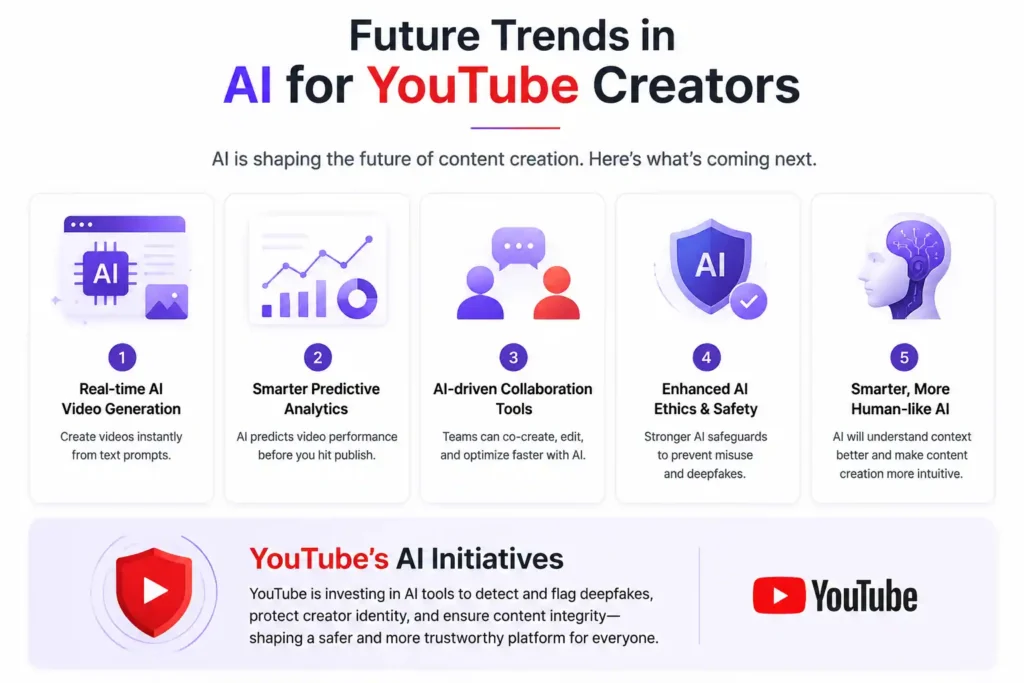
- Real-time AI video generation directly from text prompts
- Smarter predictive analytics that forecast video performance before publishing
- AI-driven collaboration tools that help teams co-create videos faster
- Enhanced AI ethics features to prevent misuse or deepfakes
YouTube itself is investing in AI initiatives including tools to detect and flag deepfakes to protect creator identity and content integrity a sign of how seriously AI is impacting the platform’s future.
FAQs
1. What is the best AI tool for writing YouTube video scripts?
For scripting, tools like ChatGPT and Claude are widely used due to their ability to generate full scripts, hooks, and outlines from simple prompts, saving hours of writing time.
2. Can AI tools help with editing videos automatically?
Yes! AI editors like Descript and CapCut can automate editing tasks such as removing filler content, generating transcriptions, and adding effects — making editing significantly faster.
3. Are AI thumbnails better than manual designs?
AI thumbnail generators trained on high-performing YouTube data can create thumbnails optimized for click-through rates, often outperforming manually designed thumbnails in terms of engagement.
4. Do AI tools help with YouTube SEO?
Absolutely. Tools like vidIQ and TubeBuddy use AI to suggest keywords, titles, tags, and descriptions that help videos rank higher in search results.
5. Can AI tools create the entire video without human input?
Some advanced all-in-one platforms are beginning to automate from script to upload, However human creativity, oversight, and editing direction still play a crucial role in making content truly unique.