
Joyland AI is growing because the way people use AI has changed. A few years ago, most users saw AI as a tool for writing emails, summarizing text, or answering questions. Now, many people also use AI for conversation, creativity, companionship, and entertainment. Instead of asking, “Can AI help me finish work faster?” more users are asking, “Can AI help me imagine a world, talk to a character, or build a story?” That shift has created a huge space for AI companion and AI roleplay platforms.
The wider AI companion app market has become much more competitive. Many platforms now offer custom characters, emotional conversation, memory features, roleplay tools, avatars, images, and subscription plans. Users are not just comparing chatbot accuracy anymore; they are comparing personality, consistency, privacy, freedom, memory, and how natural the conversation feels. Joyland AI fits directly into this trend because it is built around immersive character interaction rather than simple assistant-style replies.
Another reason Joyland AI attracts attention is the huge demand for personalized entertainment. People like stories where they are not just watching from the outside but participating inside the scene. Joyland AI lets users become part of the conversation, whether that means chatting with a fantasy hero, a romantic character, a villain, a friend, or a completely original personality. For many users, that feels more engaging than scrolling social media because the experience responds directly to them. It is like opening a novel where the characters can suddenly talk back.
What Is Joyland AI?
Joyland AI is an AI character chat and roleplay platform built for people who want more than a basic question-and-answer chatbot. Instead of simply asking a bot for facts, users can chat with fictional characters, create their own AI personalities, build fantasy-style conversations, and explore interactive stories. This makes Joyland AI feel closer to a roleplay playground than a traditional productivity assistant. Think of it like a digital stage where you can choose the character, set the scene, and let the conversation unfold naturally.
The platform focuses heavily on AI roleplay, custom AI characters, storytelling, and virtual companion-style chats. Users can browse many public characters, start conversations quickly, or create their own bots with specific personalities, tones, traits, and story backgrounds. This is one reason Joyland AI appeals to anime fans, fiction writers, roleplay users, and people who enjoy character-driven chat experiences. It is not mainly designed for business automation, coding, research, or professional writing, although creative users may still use it for brainstorming scenes, dialogue, and character ideas.
What makes Joyland AI different from normal chatbot tools is the emotional and imaginative style of interaction. A normal AI assistant may answer, “Here is the information you requested.” Joyland AI is more likely to respond as a character inside a fictional scene. That can be fun, immersive, and surprisingly engaging, especially when you want entertainment rather than dry answers. Still, because these platforms can feel personal, users should understand the features, safety limits, pricing structure, and alternatives before relying on them too much.
Key Features of Joyland AI
The biggest feature of Joyland AI is its character-based chat system. Users can browse existing bots and start talking almost instantly, which makes the platform easy for beginners. The available characters often include personalities with specific moods, backstories, relationship dynamics, fantasy roles, anime-style concepts, and dramatic setups. This makes the first experience simple: choose a character, open the chat, and continue the story. For users who do not want to spend time creating a bot from scratch, this ready-made library is a major advantage.
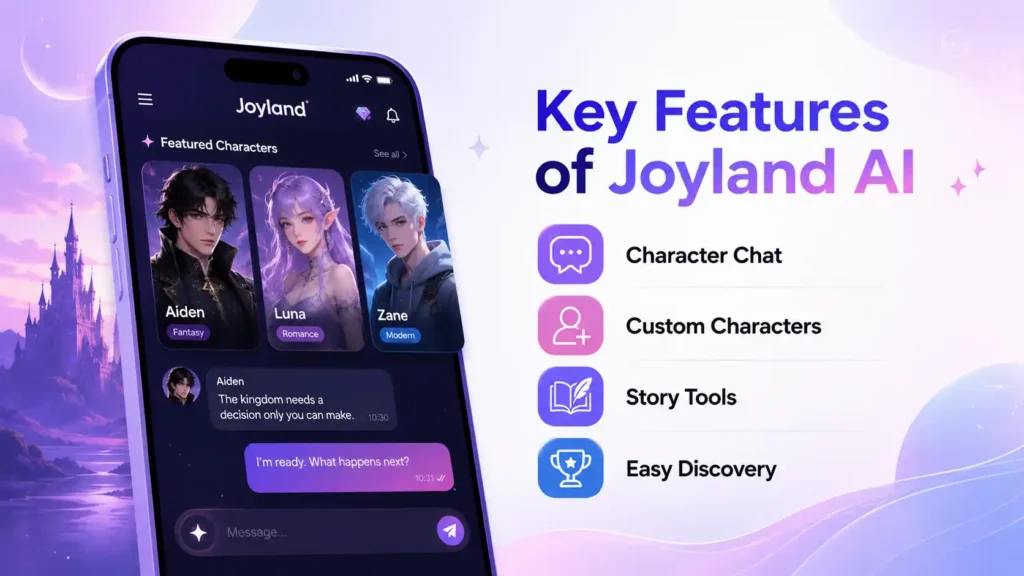
Another important feature is the ability to create a custom AI character. This is where Joyland AI becomes more useful for writers and roleplay fans. You can shape the character’s personality, background, speaking style, and role in the story. For example, a writer could create a mysterious detective, a loyal sidekick, a futuristic robot, or a fantasy queen, then test how that character speaks in different scenes. This can help with creative writing because dialogue often feels easier when you can interact with a character instead of only describing them on a blank page.
Joyland AI also includes sections such as Novel, Story, Toolkit, and Leaderboard, which show that the platform is not only about one-on-one chatting. These sections help users discover content, explore storytelling formats, and engage with the community side of the platform. The leaderboard-style experience can make the platform feel more active because users can see which bots or stories are popular. That kind of discovery system matters because character chat platforms depend heavily on fresh ideas, active creators, and easy browsing.
Joyland AI for Roleplay and Storytelling
Roleplay is the heart of Joyland AI. The platform works best when users want to create scenes, build fictional relationships, explore character dialogue, or continue a dramatic setup. Unlike a normal chatbot that may try to stay neutral and practical, a roleplay AI usually responds with emotion, description, and scene-based writing. This can make the conversation feel like collaborative fiction. You write one part, the AI replies with the next part, and the story moves forward like a shared script.
For creative users, this can be genuinely helpful. Writers often get stuck because they know the general idea of a story but cannot hear the character’s voice clearly. By creating or chatting with a character on Joyland AI, they can test personality, tone, conflict, and dialogue flow. It is not a replacement for real writing skill, but it can work like a brainstorming partner. If a scene feels flat, a character bot may throw in a surprising reaction that gives the writer a new direction.
However, roleplay AI also has limits. Sometimes characters may forget details, overreact, repeat patterns, or push the scene in a direction the user did not want. This is common across many AI companion platforms because long-form memory is still difficult. A good user experience often depends on giving clear prompts, reminding the bot of important context, and resetting the scene when needed. In simple words, Joyland AI can be fun and useful, but it still needs guidance like an actor who occasionally forgets the script.
Practical Uses of Joyland AI
The most obvious use of Joyland AI is entertainment. Many users simply want to relax, chat with fictional characters, or enjoy interactive stories after a long day. In that sense, Joyland AI works like a mix of a chatbot, a game, and a story app. You are not only reading a story; you are taking part in it. That makes the experience feel more personal and active compared with watching videos or reading static content.
Another strong use case is creative writing support. Writers can use Joyland AI to test character voices, develop dialogue, explore scene ideas, and practice emotional exchanges. For example, if someone is writing a fantasy novel, they could create a warrior character and talk through a scene before writing it properly. This can help reveal how the character might speak, what kind of attitude they have, and how they respond under pressure. It is like rehearsing a scene before filming it.
Joyland AI can also be used for social practice, especially by users who want to become more comfortable with conversation. Some people use AI chatbots to practice friendly small talk, emotional expression, or role-based scenarios. This does not mean an AI should replace real human connection, but it can provide a low-pressure place to practice words and confidence. The key is balance. Use it as a tool for imagination and practice, not as your only emotional support system.
Is Joyland AI Safe?
Joyland AI can be safe when used carefully, but users should not treat any AI companion platform as completely risk-free. The first thing to understand is that private does not always mean invisible, unreadable, or risk-free. Like many online services, Joyland AI has privacy rules, monitoring systems, and platform policies. Users should avoid entering sensitive personal information such as passwords, financial details, private addresses, identity documents, medical secrets, or anything they would not want stored or reviewed.
The platform’s own policies include age-related rules and content restrictions. This matters because Joyland AI includes mature roleplay themes, and not every type of content is allowed. Users should be especially careful with characters that appear young, have unclear ages, or are based on fictional minors. A responsible rule is simple: if a character seems underage or ambiguous, do not use it for adult roleplay. Even when a platform allows creative freedom, legal and ethical boundaries still matter.
Another safety issue is emotional dependency. AI companions can feel comforting because they are always available, patient, and responsive. That can be helpful in small doses, but it can become unhealthy if someone starts replacing real relationships, professional support, or daily responsibilities with AI chat. A chatbot can simulate care, but it does not truly understand life the way a person does. If you use Joyland AI, enjoy the creativity, but keep one foot in the real world.
Joyland AI Privacy: What Users Should Know
Privacy is one of the most important topics in any Joyland AI guide because character conversations can become personal very quickly. People may share feelings, fantasies, memories, fears, or private thoughts with AI companions. That creates a simple question: should you tell an AI chatbot everything? The safest answer is no. Even when a platform says conversations are private, users should still limit what they share.
Joyland AI’s privacy policy explains that it may collect technical information, usage information, and content-related information to operate and improve the service. It also says user-entered content may be monitored to check for inappropriate content or personal information. This is not unusual for AI platforms, but users need to understand. If a system needs to detect harmful content, enforce rules, or improve services, some level of automated or human-involved review may exist depending on the platform’s process.
The best privacy habit is to treat AI chats like semi-private online spaces rather than a locked diary. Do not share your full name, home address, workplace details, bank information, account logins, private photos, or anything that could identify someone else without permission. If you are creating characters, avoid copying real people’s private details or using copyrighted characters in ways that could create problems. Privacy is not only about protecting yourself; it is also about respecting others.
Joyland AI Pricing
Joyland AI currently offers a free-use option and a paid subscription option, but users should always check the official billing page before making a decision. Pricing can change at any time, and platforms often adjust subscription benefits, billing cycles, limits, or promotional offers. That is why this guide does not list fixed plan prices. A price that is accurate today may be outdated tomorrow, especially in fast-moving AI products.
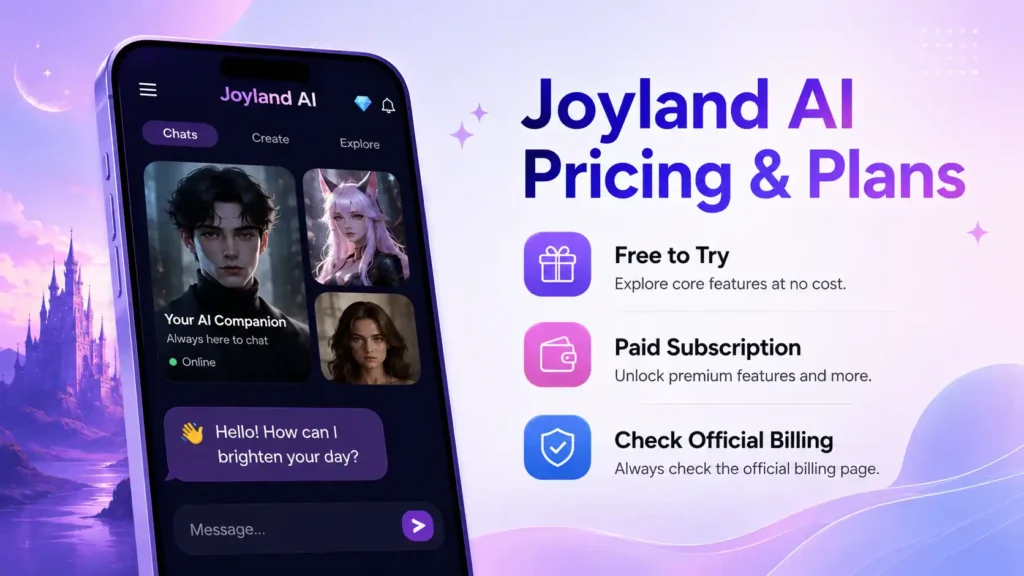
The free version is useful for beginners who want to test the platform before paying. It lets users explore the basic experience, browse characters, and understand whether the style of roleplay fits their taste. For casual users, the free option may be enough, especially if they only chat occasionally. But users who spend more time on the platform may run into limits, slower access, or feature restrictions depending on the current plan structure.
The paid plan is generally meant for users who want a fuller experience. Paid AI companion plans usually offer benefits such as more access, better models, fewer limits, or extra tools, although the exact benefits should be checked directly on Joyland AI before subscribing. Before paying, ask yourself a simple question: will you use it regularly enough to justify the subscription? If you only want to try a few chats, start free. If it becomes part of your daily creative workflow, then a paid plan may make more sense.
| Plan Type | Best For | What to Check Before Using |
|---|---|---|
| Free Use | Beginners and casual users | Current limits, available models, message restrictions |
| Pro / Paid Subscription | Regular users and heavy roleplay fans | Billing cycle, renewal rules, cancellation method, feature access |
| Promotional Offers | Users looking for discounts | Whether the offer is temporary and what happens at renewal |
Pros and Cons of Joyland AI
Joyland AI has several strong advantages for the right user. It is easy to start, offers many characters, and focuses strongly on storytelling and roleplay. The platform is especially attractive for users who like anime-style interactions, fictional personalities, emotional scenes, and creative freedom. It can also help writers brainstorm dialogue and character behavior without needing a complicated writing tool.
The biggest weakness is that Joyland AI may not be ideal for users who want factual accuracy, productivity automation, or serious research help. Character chatbots are designed to feel engaging, not to act like verified knowledge tools. They can make things up, lose context, repeat emotional patterns, or exaggerate scenes. If you expect perfect memory and realistic long-form continuity, you may sometimes feel disappointed.
| Pros | Cons |
| Large character-based roleplay experience | Not ideal for factual research |
| Good for storytelling and creative dialogue | AI may forget details in long chats |
| Easy for beginners to start chatting | Pricing and plan benefits can change |
| Custom character creation is useful for writers | Users must be careful with privacy |
| Fun for entertainment and casual conversation | Emotional dependency can become a risk |
Best Joyland AI Alternatives
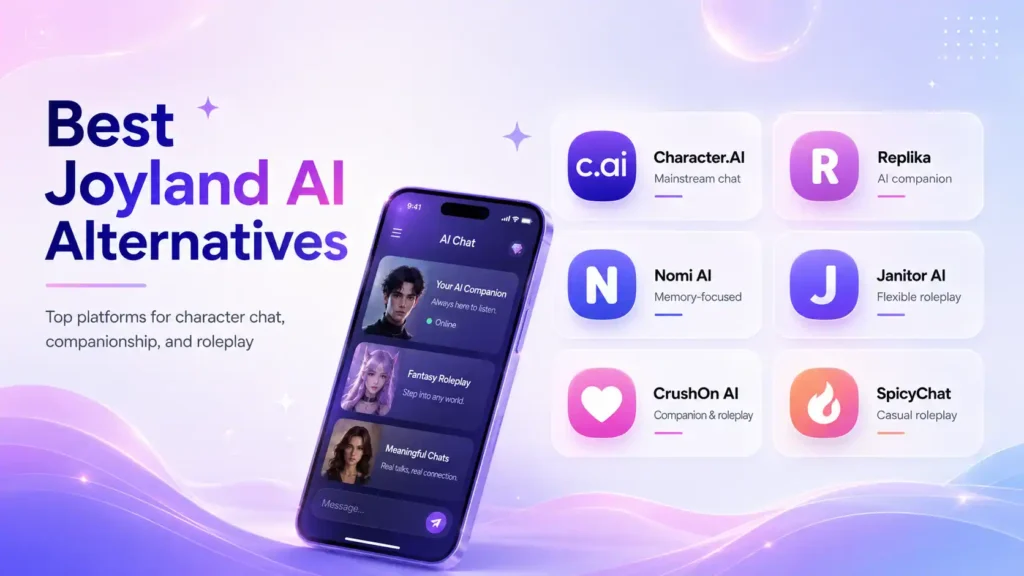
Character.AI is one of the most popular Joyland AI alternatives for users who want a huge library of characters and a mainstream AI chat experience. It is strong for general character conversations, fandom-style chats, and creative interactions. Character.AI has also made major safety changes for younger users, which may appeal to people who want a more moderated platform. The downside is that users looking for unrestricted roleplay may find its safety systems more limiting.
Replika is another strong alternative, especially for users who want an emotional AI companion rather than open-ended character roleplay. Replika focuses on companionship, supportive conversation, avatars, memories, and relationship-style interactions. It is better for people who want one consistent companion instead of browsing many fictional bots. However, it is not designed as a productivity assistant, and users should not expect it to reliably handle factual tasks like live information, calculations, or reminders.
Nomi AI is a good option for users who care about memory and long-term emotional continuity. Nomi positions itself around meaningful relationships, personality consistency, and remembered preferences. This makes it useful for people who dislike chatbots that forget everything after a few messages. It may be a better choice than Joyland AI if your priority is a stable companion rather than a large roleplay library.
Janitor AI, SpicyChat, CrushOn AI, and similar platforms are also common alternatives in the AI roleplay space. These tools often appeal to users who want more flexible roleplay settings or different model options. The quality can vary a lot depending on the platform, model, and character setup. Before using any alternative, check privacy policies, age rules, pricing, content restrictions, and user reviews carefully.
| Alternative | Best For | Main Difference from Joyland AI |
| Character.AI | Large character library and mainstream chat | More safety-focused and moderated |
| Replika | Emotional companionship | Focuses on one AI companion experience |
| Nomi AI | Memory and long-term connection | Stronger emphasis on relationship continuity |
| Janitor AI | Flexible roleplay users | Often depends more on setup and model choice |
| CrushOn AI | Companion and roleplay chats | Similar market but different interface and limits |
| SpicyChat | Casual roleplay exploration | Often chosen for adult-style roleplay communities |
Tips for Using Joyland AI Better
To get better results from Joyland AI, write clear prompts. Do not expect the bot to magically understand every detail in your head. If you want a slow-burn fantasy scene, say that. If you want the character to avoid speaking for you, mention it clearly. If you want a specific tone, such as funny, dramatic, soft, mysterious, or realistic, include that in the setup.
When creating a character, focus on personality instead of only appearance. A good AI character needs motivation, boundaries, habits, fears, speaking style, and a clear role in the story. For example, “a brave knight” is basic, but “a loyal knight who hides fear behind sarcasm and refuses to abandon broken promises” gives the AI much more to work with. The more specific the character design, the more consistent the chat usually feels.
You should also refresh context during long chats. If the AI forgets an important plot point, gently remind it inside the conversation. This is not a failure unique to Joyland AI; memory is one of the hardest problems in AI companion tools. Treat the AI like a co-writer that sometimes needs notes. With the right guidance, the experience becomes smoother, more controlled, and more enjoyable.
FAQs
Q1. Is Joyland AI free to use?
Yes, Joyland AI offers a free-use option, which is helpful for beginners who want to test the platform before paying. The free version is usually enough to explore characters, try basic roleplay, and understand how the platform feels. However, free plans on AI platforms often come with limits, and those limits can change over time. Always check Joyland AI’s official pricing or billing page for the latest details before making a decision.
Q2. Does Joyland AI allow custom characters?
Yes, Joyland AI allows users to create custom AI characters. This is one of its strongest features because it gives users more control over personality, backstory, tone, and roleplay direction. Writers can use this to test dialogue, while casual users can build characters that match their favorite themes. A well-written character setup usually leads to better and more consistent conversations.
Q3. Is Joyland AI safe for minors?
Joyland AI has age-related rules, and users should read the official policies before using the platform. Because the platform includes mature roleplay themes and user-generated characters, younger users should be especially careful. Parents should review any AI companion platform before allowing minors to use it. In general, AI roleplay tools are better suited for mature users who understand privacy, content boundaries, and online safety.
Q4. Can Joyland AI replace real relationships?
No, Joyland AI should not replace real relationships. It can be fun for entertainment, storytelling, emotional expression, and creative practice, but it is still an AI system. It does not truly feel, understand, or care in the human sense. The healthiest way to use Joyland AI is as a creative tool or casual companion, while still maintaining real friendships, family connections, and support systems.
Q5. What is the best Joyland AI alternative?
The best alternative depends on your needs. Character.AI is a strong choice for a large character library and more mainstream AI chat. Replika is better for users who want a single emotional AI companion. Nomi AI may be better for long-term memory and relationship-style continuity. Janitor AI, CrushOn AI, and SpicyChat are also popular among roleplay users, but you should compare privacy, safety, pricing, and content rules before choosing.