

Gamma AI is an advanced AI-powered presentation creation tool that allows users to build professional slides, documents, and web-style presentations instantly without needing any design experience. In today’s fast-paced digital world, creating visually appealing presentations is no longer limited to designers or PowerPoint experts. With tools like Gamma AI, anyone can generate high-quality, structured, and engaging presentations in just a few minutes.
The biggest advantage of Gamma AI is its ability to automatically transform simple text prompts into fully designed presentations. Instead of spending hours adjusting layouts, choosing fonts, and aligning elements, users can simply input their ideas, and the AI handles everything from design structure to visual formatting. This makes it a powerful solution for students, marketers, business owners, and content creators who want fast and professional results.
Gamma AI is not just a presentation tool—it is a complete AI content creation platform that combines writing, design, and structuring into a single system. This makes it highly relevant in today’s world where speed, automation, and creativity are essential for productivity.
How Gamma AI Works?
Gamma AI works on advanced generative artificial intelligence models that understand natural language input and convert it into structured visual content. When a user enters a topic, Gamma AI analyzes the text, identifies key points, and automatically builds a logical flow for the presentation.
The system then selects appropriate layouts, color schemes, typography, and visual elements to match the topic. This process eliminates the need for manual slide creation and design adjustments. Users can further customize the output, but the default AI-generated design is already polished and professional.
One of the most powerful aspects of Gamma AI is its ability to adapt content for different formats. Whether you need a business pitch deck, educational slides, marketing presentation, or product overview, Gamma AI adjusts the structure accordingly. This flexibility makes it a strong AI presentation maker for business and education.
Key Features of the Gamma AI Presentation Tool
Gamma AI offers a wide range of features that make it stand out in the growing market of AI productivity tools. One of its most important features is instant presentation generation, where users can create complete slide decks within seconds.
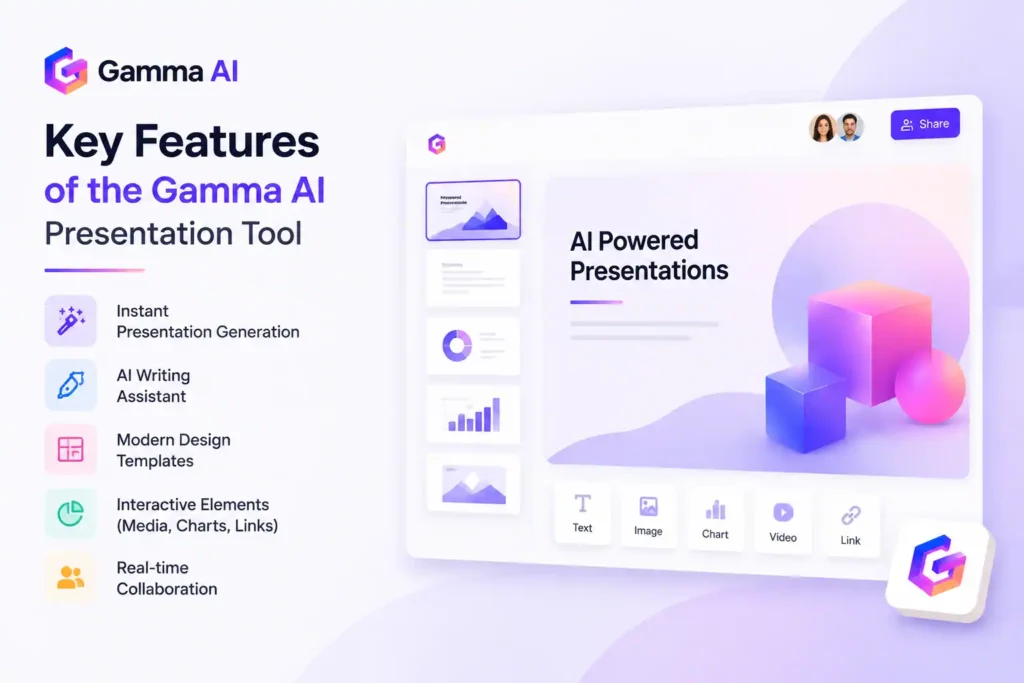
Another major feature is its AI writing assistant, which helps generate content for each slide. Instead of manually writing bullet points, users can let the AI create clear and structured explanations. This significantly improves efficiency and saves time.
Gamma AI also includes modern design templates that automatically adjust based on content type. These templates ensure that every presentation looks visually appealing without requiring design skills. Additionally, it supports interactive elements like embedded media, charts, and links, making presentations more engaging.
Collaboration features also allow multiple users to work on the same project in real time, making it ideal for teams and organizations.
Why Gamma AI is Better Than Traditional Presentation Tools?
Traditional tools like PowerPoint and Google Slides require manual effort for design, formatting, and structuring content. Users often spend more time on visual adjustments than actual content creation. Gamma AI eliminates this problem by automating the entire process.
With Gamma AI, users no longer need to worry about alignment, font selection, or slide transitions. The AI takes care of all design decisions while ensuring consistency and professionalism throughout the presentation.
Another major difference is speed. While traditional tools may take hours or even days to complete a presentation, Gamma AI can generate a full deck in minutes. This makes it especially useful for professionals who work under tight deadlines.
Gamma AI also provides a more modern, web-based presentation format compared to static slides. This makes presentations more interactive and visually appealing for modern audiences.
How to Use Gamma AI: Step-by-Step Guide to Create Presentations Easily
Using Gamma AI is very simple, even if you have zero design or technical skills. It is built to turn your ideas into professional presentations, documents, and web-style slides in just a few clicks. Below is a clear step-by-step method to help you understand how to use Gamma AI effectively.

Step 1: Sign Up or Log In to Gamma AI
First, go to the official Gamma AI website and create an account. You can sign up using your email, Google account, or other available options. After logging in, you will enter the main dashboard where all your projects are managed.
Step 2: Click on “Create New” or “Generate with AI”
On the dashboard, you will see an option like “Create New” or “Generate with AI”. Click on it to start creating your presentation. Gamma AI will ask you what type of content you want to create—presentation, document, or webpage style content.
Step 3: Enter Your Topic or Prompt
Now write your topic clearly. For example:
- “Marketing Strategy for a Startup”
- “Beginner’s Guide to Digital Marketing”
- “AI in Education”
The more clear your input is, the better your AI-generated presentation will be. Gamma AI uses your text to automatically build structure and slides.
Step 4: Choose Presentation Style
Gamma AI will show you different design styles and formats. You can select:
- Business style presentation
- Modern creative layout
- Minimal clean design
- Educational slides
This step helps the AI understand the visual tone of your AI presentation design.
Step 5: Let AI Generate Your Presentation
After selecting style, click on Generate. Gamma AI will automatically:
- Create slide structure
- Write content for each slide
- Apply professional design layout
- Add visual formatting
Within seconds, your full AI-powered presentation will be ready.
Step 6: Edit and Customize Your Slides
Once the presentation is generated, you can easily edit anything:
- Change text
- Add images or icons
- Modify colors and fonts
- Rearrange slides
This makes Gamma AI flexible for both beginners and professionals.
Step 7: Export or Share Your Presentation
After finalizing your work, you can:
- Share a live link
- Download as PDF or PPT
- Present directly from Gamma AI
This makes it perfect for meetings, school projects, or business pitches.
Benefits of Using Gamma AI for Presentation Creation
One of the biggest benefits of Gamma AI is time efficiency. It drastically reduces the time required to build presentations by automating both content and design. This allows users to focus more on ideas rather than formatting.
Another major benefit is cost savings. Instead of hiring designers or purchasing expensive design software, users can rely on Gamma AI to create professional presentations at a fraction of the cost.
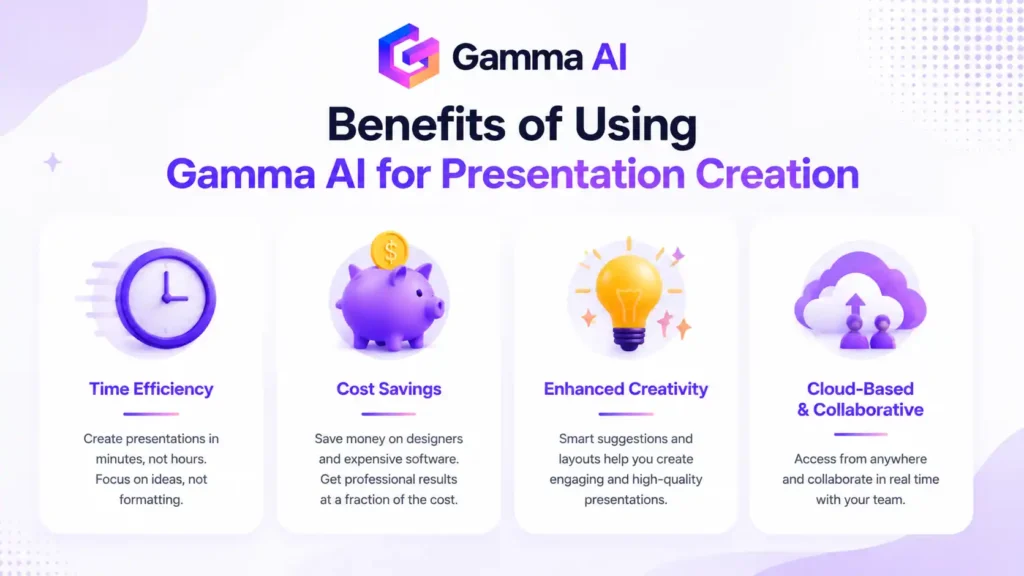
Gamma AI also improves creativity by offering smart suggestions and layouts that users might not think of manually. This enhances the overall quality of presentations and makes them more engaging.
Additionally, the platform is cloud-based, meaning users can access their presentations from anywhere and collaborate with others in real time. This makes it ideal for remote teams and global businesses.
Limitations of Gamma AI You Should Know
Although Gamma AI is powerful, it does have some limitations. One of the main drawbacks is that AI-generated designs may sometimes feel repetitive if not customized properly. Users may need to make minor adjustments to match their brand identity.
Another limitation is internet dependency. Since Gamma AI is cloud-based, it requires a stable internet connection to function properly. Without internet access, users cannot create or edit presentations.
Advanced customization options may also be limited compared to professional design tools like Adobe Illustrator or fully manual PowerPoint editing. However, for most users, the convenience outweighs these limitations.
Future of AI Presentation Tools Like Gamma AI
The future of AI presentation tools like Gamma AI is extremely promising. With advancements in artificial intelligence, these platforms are expected to become even more intelligent and personalized.
Future versions may include real-time voice generation, automatic data visualization, and AI-driven storytelling capabilities. This means users will only need to provide an idea, and the AI will generate a complete presentation with visuals, narration, and structure.
As AI continues to evolve, tools like Gamma AI will become essential in education, business, and digital communication, replacing traditional design workflows completely.
Why Gamma AI is a Game-Changer for Presentations
Gamma AI is revolutionizing the way presentations are created by removing the need for design skills and manual formatting. It combines AI automation, smart design, and content generation into one powerful platform that saves time, improves productivity, and enhances creativity. Whether you are a student, entrepreneur, marketer, or business professional, Gamma AI provides a simple and effective way to create stunning presentations instantly. As AI technology continues to grow, tools like Gamma AI will become the standard for modern communication and digital storytelling.
FAQ
Q1. What is Gamma AI used for in presentation making?
Gamma AI is used to create AI-powered presentations, documents, and web-style slides instantly without needing design skills. It converts simple text prompts into fully structured and professionally designed presentations, making it ideal for students, businesses, marketers, and startups who want fast and high-quality results.
Q2. Is Gamma AI better than PowerPoint for creating presentations?
Gamma AI is often considered better than traditional PowerPoint for speed and automation. Unlike PowerPoint, where users manually design slides, Gamma AI uses artificial intelligence to generate complete presentations automatically. It saves time, provides modern designs, and reduces the need for formatting or design experience.
Q3. Do I need design skills to use Gamma AI?
No, you do not need any design skills to use Gamma AI. The platform is built for beginners and non-designers. You simply enter your topic or idea, and the AI automatically creates a professional-looking presentation with layouts, content, and visuals.
Q4. Is Gamma AI free or paid? What are its pricing options?
Gamma AI offers both free and paid plans. The free version allows users to create basic presentations, while premium plans unlock advanced features like more AI credits, branding options, customization tools, and enhanced export options. Pricing may vary depending on usage and business needs.
Q5. Can Gamma AI be used for business presentations and pitch decks?
Yes, Gamma AI is widely used for business presentations, startup pitch decks, sales reports, and marketing proposals. It helps professionals quickly create investor-ready slides with structured content and modern design, making it a powerful tool for business communication.
Q6. Is Gamma AI safe and reliable to use online?
Yes, Gamma AI is a secure and cloud-based platform. It uses modern encryption and data protection systems to ensure user content remains safe. However, like any online tool, users should avoid sharing highly sensitive confidential data unless necessary.
Q7. What makes Gamma AI different from other AI presentation tools?
Gamma AI stands out because it not only creates slides but also generates structured content, design layouts, and interactive presentations in one system. It combines writing, designing, and formatting into a single AI workflow, making it faster and more efficient than most competitors.
Q8. Can I edit presentations after creating them in Gamma AI?
Yes, all presentations created in Gamma AI can be fully edited. Users can modify text, change layouts, adjust styles, add images, and customize branding according to their needs, giving full control even after AI generation.