

Want to write a blog post in 10 minutes? If you’ve ever stared at a blank screen, have you ever stared at a blank screen, willing words to magically appear? If you’re a blogger, entrepreneur, or content creator, you’ve probably felt the pressure to publish high-quality posts fast. What if I told you that you can write a strong blog post in as little as 10 minutes using the right AI tools — without sounding robotic, generic, or rushed?
In this guide, I’ll walk you step-by-step through a real workflow that helps you move from topic idea → SEO optimized draft → final publish in 10 minutes. You’ll learn what tools to use, how to prompt them, and how to keep your writing human-like, engaging, and ready for search engines.
The Truth About AI and Speedy Blogging
First, let’s clear up a myth: AI doesn’t write perfect posts instantly on its own. Instead, it amplifies your writing, cuts research time, fills in structure, and lets you produce more content faster. Think of AI as a highly efficient writing partner — not a replacement for your creativity.
What used to take hours — brainstorming, research, outlining, drafting — can now be compressed into a consistent, repeatable 10-minute workflow. This doesn’t mean every blog will be a masterpiece in one take — but it means you can produce publish-ready drafts rapidly.
Why You Can Write a Blog in 10 Minutes with AI
Here’s the key: The traditional blog writing process has a lot of friction. You might:
- Spend too long researching keywords
- Stare at the blank page
- Get lost in structuring your article
- Edit endlessly
AI tools remove most of that friction by instantly generating ideas, outlines, and drafts when you give them clear prompts. It’s like having a researcher, outline expert, and first-draft writer available with one command.
When you know what to ask for — and how to guide the tool — you cut the time waste dramatically.
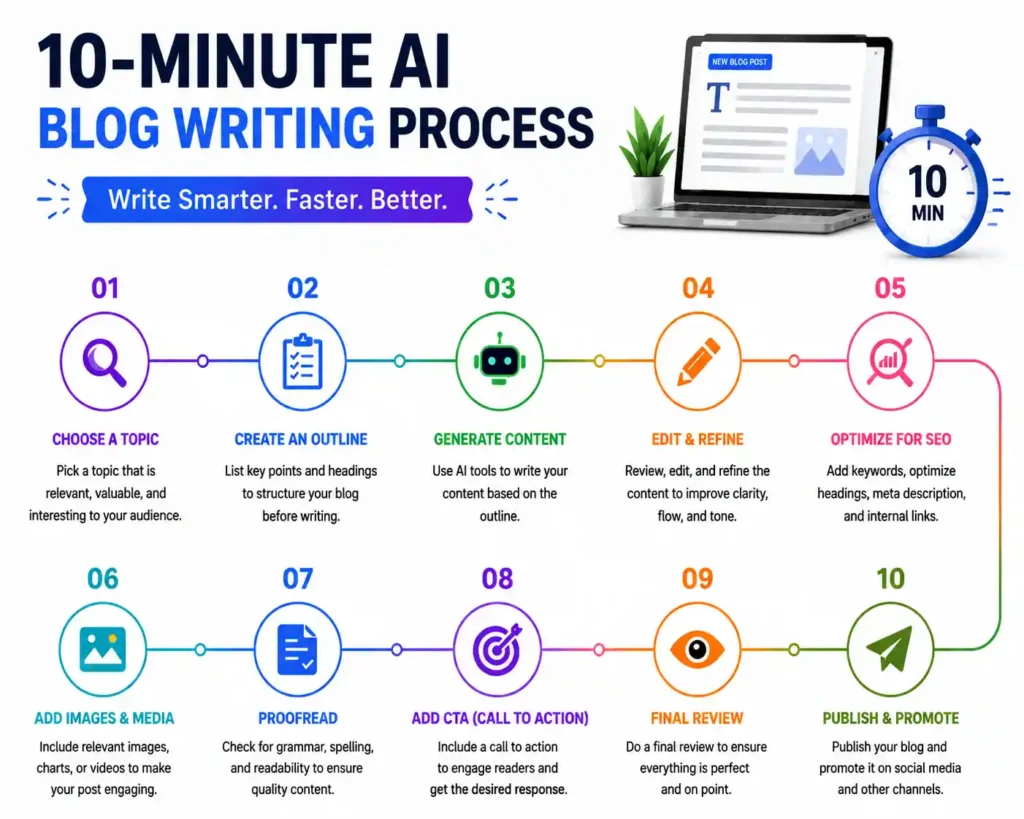
Step-by-Step Workflow: Your 10-Minute Blog Plan
To make this actionable, we’re going to break your writing into time-boxed stages:
- Minute 1–2: Clarify topic & target keyword
- Minute 2–3: Ask AI for a strong outline
- Minute 3–8: Generate section drafts
- Minute 8–9: Quickly edit for clarity & accuracy
- Minute 9–10: Add SEO polish & publish
It sounds simple — and it really is, once you master a few prompts. Let’s go deeper.
Minute 1–2: Choose Your Topic & Target Keyword
Before you write anything, decide:
- What is the main topic of the post?
- Who is the audience?
- What keyword do you want to target?
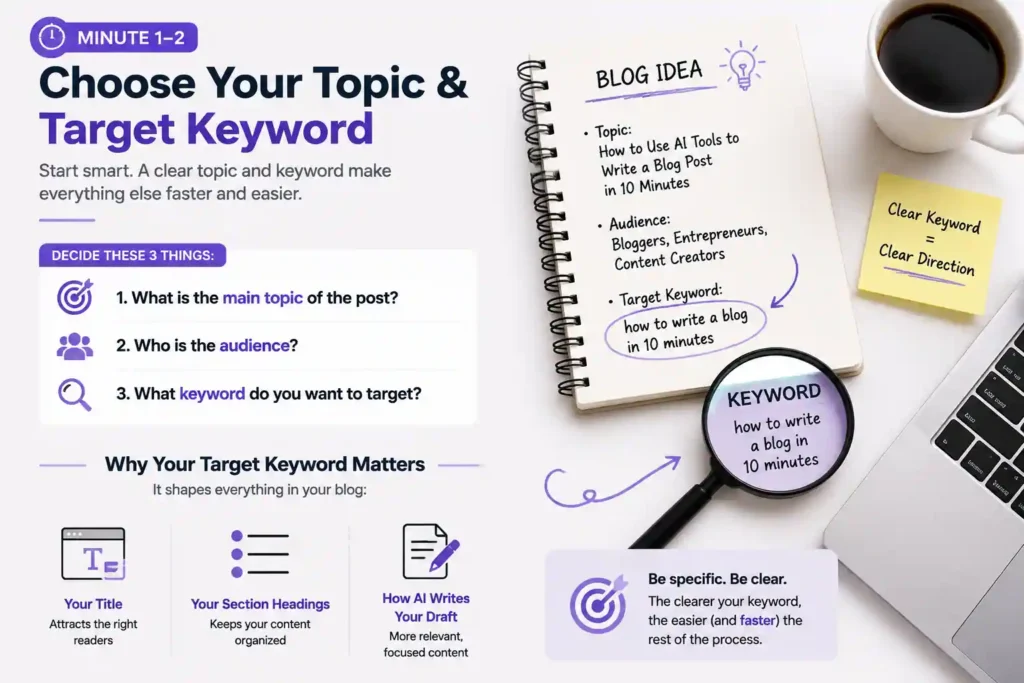
Your target keyword should reflect what people are actually searching for. For example, instead of a vague “blogging tips,” a stronger keyword could be “AI tools for blog writing fast” or “how to write a blog in 10 minutes.”
Having this keyword defined upfront matters because it shapes:
- Your title
- Your section headings
- How the AI writes your draft
This step only takes a minute if you already know your niche — and the clearer your keyword, the easier everything else becomes.
Minute 2–3: Generate a Clear Blog Outline with AI
A solid outline is your roadmap — and it makes drafting fast. You want an outline with:
- A strong introduction
- Logical topic sections (H2 & H3 headings)
- A conclusion
- A short FAQ
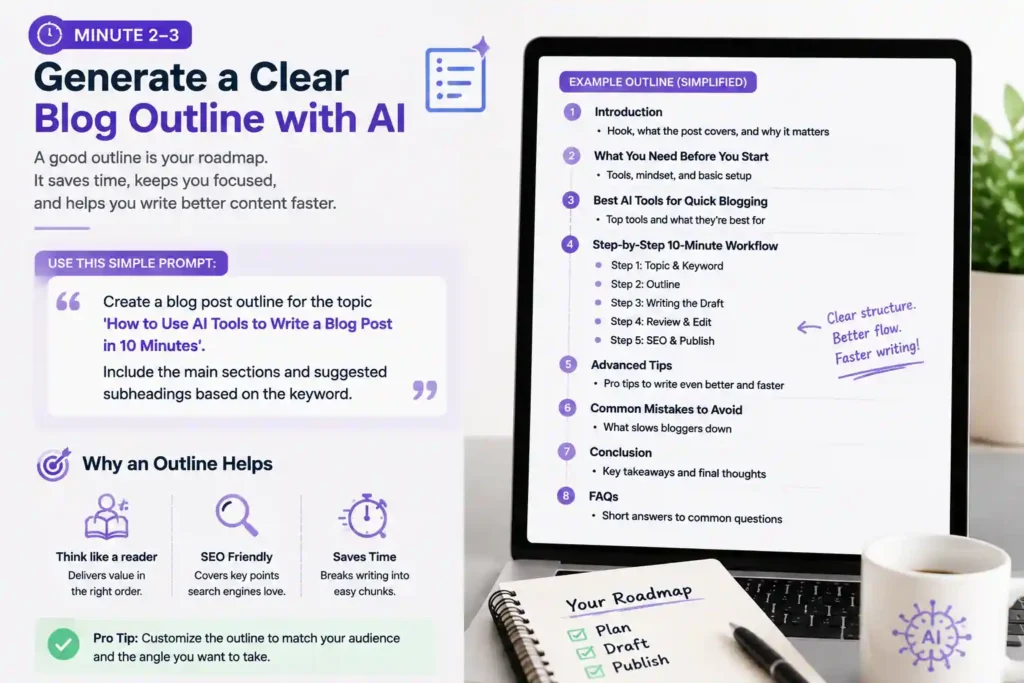
Here’s a simple prompt you can paste into your AI writing tool:
“Create a blog post outline for the topic ‘How to Use AI Tools to Write a Blog Post in 10 Minutes’. Include the main sections and suggested subheadings based on the keyword.”
The outline helps you think like a reader and write like SEO wants you to. It also breaks your article into bite-sized chunks — perfect for rapid drafting.
Example (simplified):
- Introduction
- What You Need Before You Start
- Best AI Tools for Quick Blogging
- Step-by-Step 10-Minute Workflow
- Step 1: Topic & Keyword
- Step 2: Outline
- Step 3: Writing the Draft
- Step 4: Review & Edit
- Step 5: SEO & Publish
- Advanced Tips
- Common Mistakes to Avoid
- Conclusion
- FAQs
That’s usually enough structure to keep your writing focused.
Minute 3–8: Draft Each Section with AI (5 Minutes)
Now comes the heart of the process: generating your actual content. Instead of asking AI to write the whole article at once, write it section by section. That prevents fuzzy, repetitive output and gives you more control.
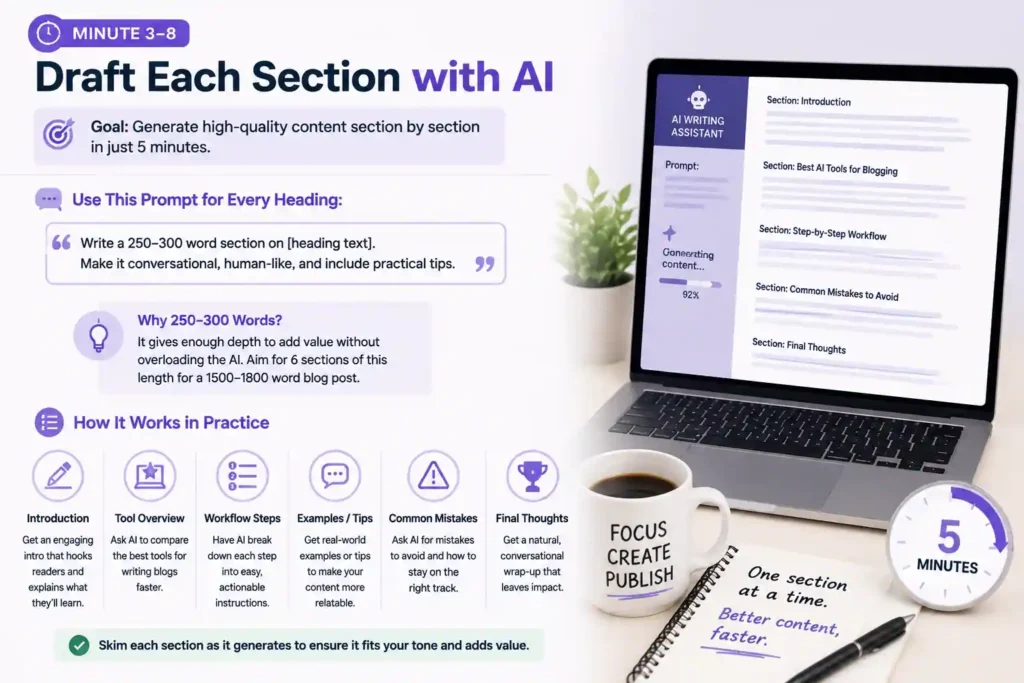
For each heading in your outline, use this kind of prompt:
“Write a 250–300 word section on [heading text]. Make it conversational, human-like, and include practical tips.”
Why 250–300 words? Because that gives enough depth without overloading the AI. Aim for about 6 sections of this length — and you’ll be around 1500–1800 words total.
Here’s how this feels in practice:
- Introduction: Ask AI for a short but engaging intro that explains why the topic matters and what the reader will learn.
- Tool Overview: Ask for a comparison of top AI tools for writing fast blogs.
- Workflow Steps: Let AI break down each step into clear instructions.
- Examples or Tips: Get a quick scenario or example of using this workflow.
- Common Mistakes: Ask for advice on what to avoid.
- Final Thoughts: Ask for a natural-sounding wrap-up.
As each section generates, you can briefly skim it to make sure it fits the tone and content you want.
Minute 8–9: Rapid Editing (1 Minute)
AI can produce fast drafts, but you make the blog credible and original. In this quick editing sprint, focus on:
- Fixing any factual errors
- Adding a sentence or two of personal insight
- Improving transitions between sections
- Removing repetitive phrases
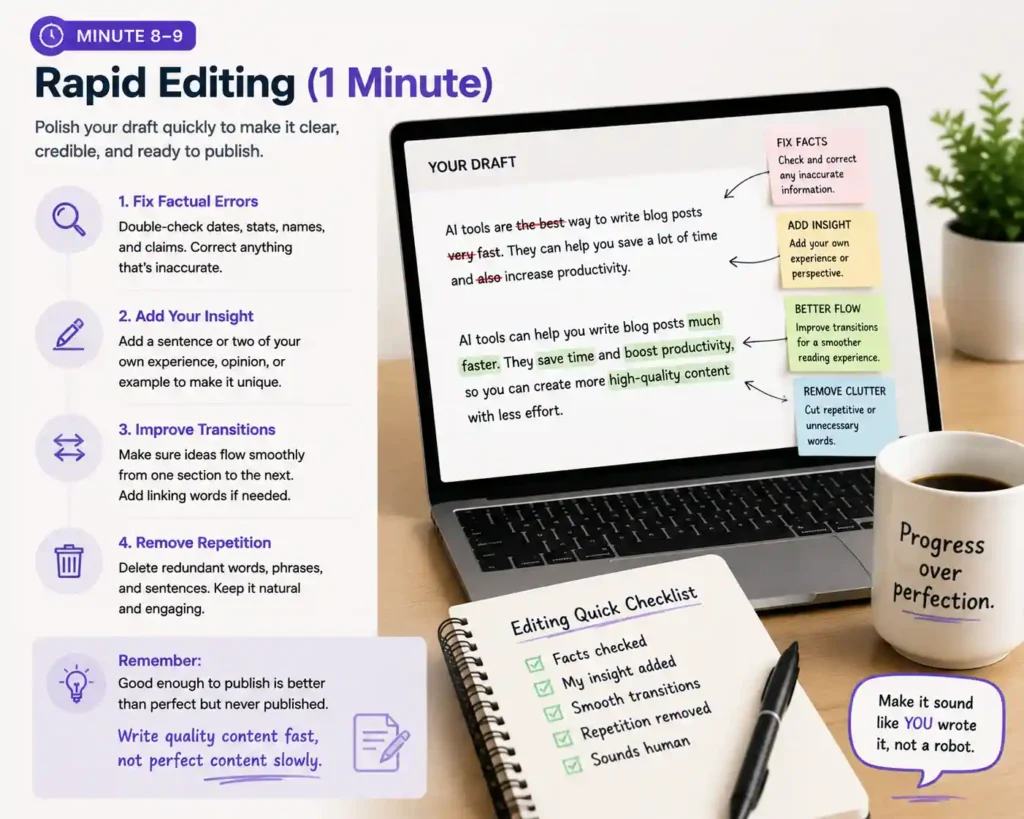
Don’t aim for perfection here — just clean enough for publication. A good rule is: write quality content fast, not perfect content slowly.
At this stage, you also want to make sure the writing sounds human — not like generic AI text. As a reader, you should feel like a real person wrote this to help you.
Minute 9–10: SEO Polish & Publish (1 Minute)
Now that your draft is reasonably solid, you want it to be search engine friendly. This last minute is about tagging, formatting, and publishing.
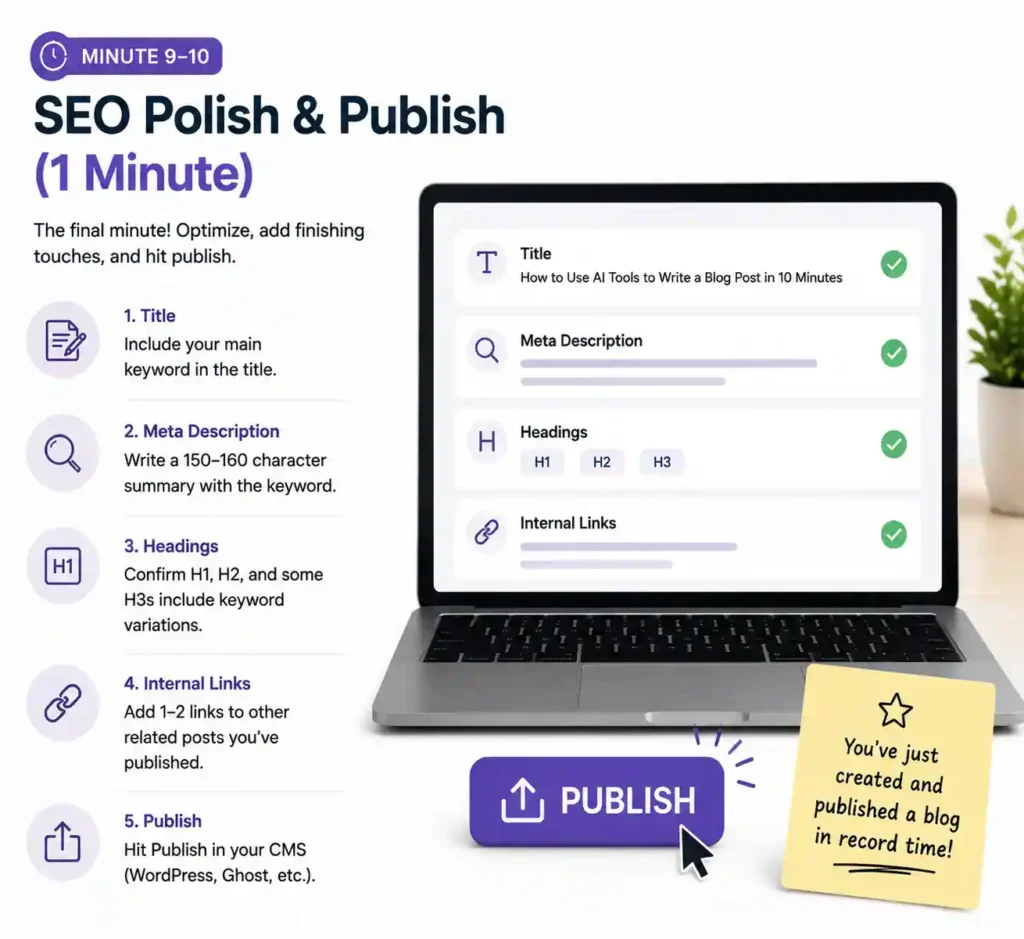
Do these quick tasks:
- Title: Include your main keyword (e.g., “How to Use AI Tools to Write a Blog Post in 10 Minutes”)
- Meta Description: Ask AI to write a 150–160 character summary with the keyword included.
- Headings: Confirm H1, H2, and some H3s include relevant keyword variations.
- Internal Links: Add one or two links to other related posts you’ve already published.
- Publish: Hit Publish in your CMS (like WordPress or Ghost).
Almost there! You’ve just created and published a blog in record time.
Best AI Tools for 10-Minute Blogging
Not all AI tools are equally good for this workflow. Below are categories and examples that help make this fast process possible:
Drafting & Ideas
- OpenAI’s ChatGPT (especially with prompts)
- Claude.ai
- Jasper AI
SEO Optimization
- Surfer SEO
- Semrush
- Frase
Writing Assistance
- Writesonic
- Rytr
- Copysmith
You can mix and match — for example, generate the outline and draft in ChatGPT, then put the output into an SEO tool to refine keywords.
Tips to Make This Workflow Better Over Time
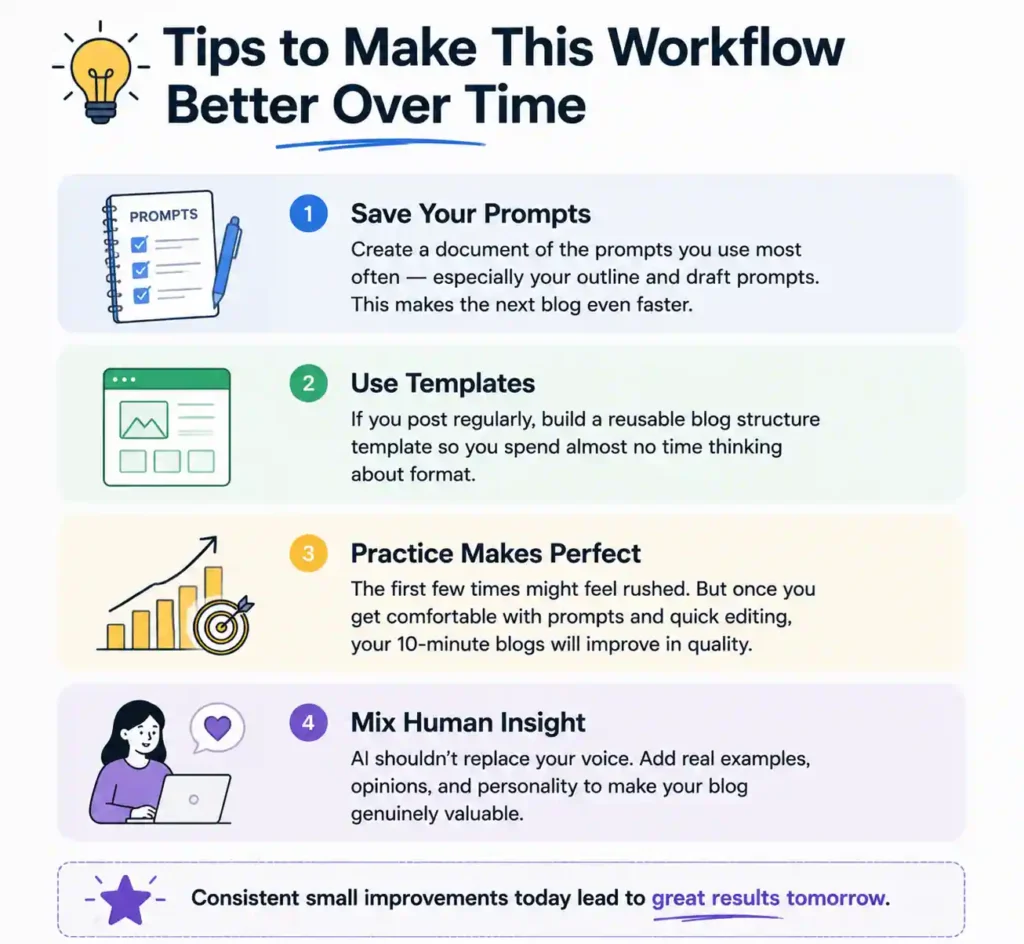
1- Save Your Prompts
Create a document of the prompts you use most often — especially your outline and draft prompts. This makes the next blog even faster.
2- Use Templates
If you post regularly, build a reusable blog structure template so you spend almost no time thinking about format.
3- Practice Makes Perfect
The first few times might feel rushed. But once you get comfortable with prompts and quick editing, your 10-minute blogs will improve in quality.
4- Mix Human Insight
AI shouldn’t replace your voice. Add real examples, opinions, and personality to make your blog genuinely valuable.
Common Mistakes to Avoid
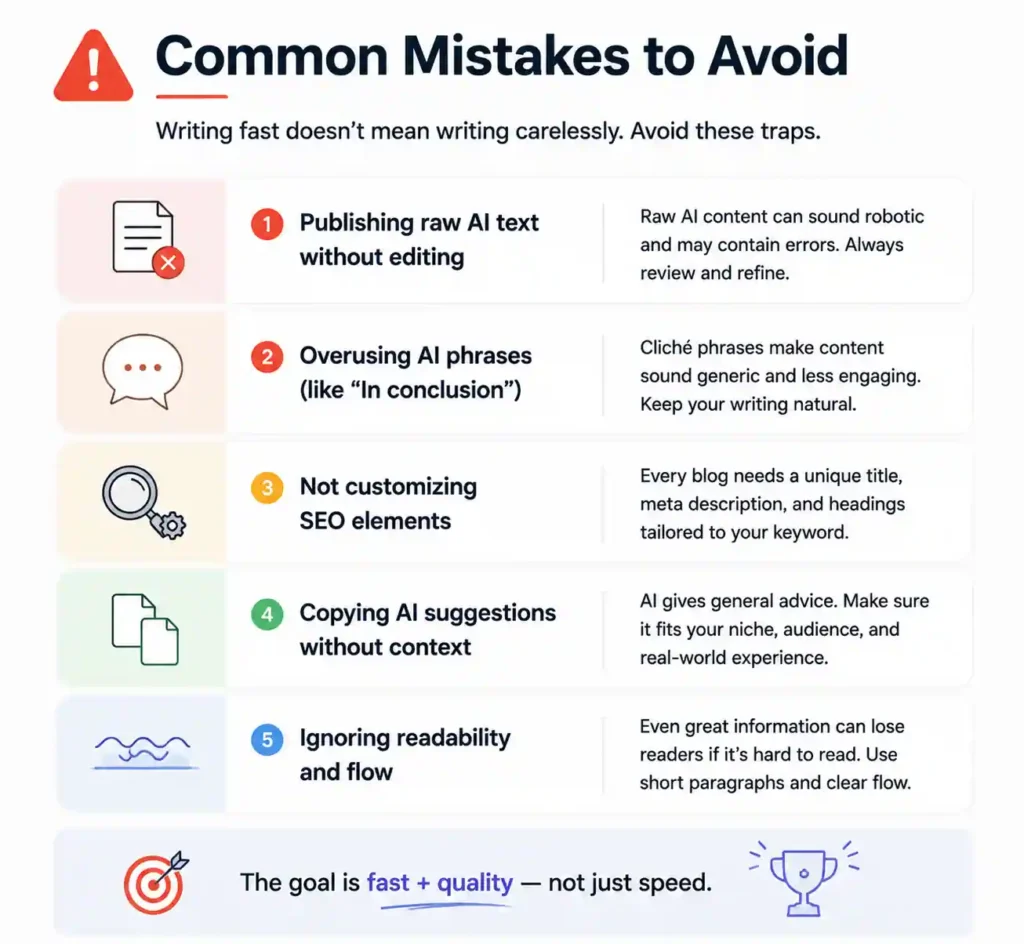
Writing fast doesn’t mean writing carelessly. Here are some traps bloggers fall into:
- Publishing raw AI text without editing
- Overusing AI phrases (like “In conclusion”)
- Not customizing SEO elements
- **Copying AI suggestions without context
- Ignoring readability and flow
The goal is fast + quality — not just speed.
Frequently Asked Questions
1. Can I really write a blog in 10 minutes with AI?
Yes — with a clear topic, good prompts, and a simple workflow, you can generate publish-ready content in about 10 minutes. What slows you down most is unclear direction or poor prompts.
2. Will search engines penalize AI-generated content?
No. Search engines like Google rank content based on value and relevance, not how it was created. What matters is quality and user satisfaction.
3. Do I need SEO tools for this process?
Not strictly, but they help. SEO tools give you keyword insights, readability scores, and optimization suggestions that improve rankings.
4. Should I edit AI content before publishing?
Absolutely. AI can draft quickly, but you need to review for accuracy, tone, and context before publishing.
5. What tool is best for beginners?
ChatGPT is often easiest because it responds well to prompts and doesn’t require templates or presets to get started.