

Introduction
In 2026, the growing costs of AI subscriptions are becoming a major concern for creators, students, developers, marketers, and entrepreneurs. Subscribing to tools like ChatGPT Plus for writing, Mid-journey for image creation, Copilot for coding, Grammarly for grammar checks, Otter for transcription, and additional platforms for research can quickly add up. Before you know it, your monthly AI expenses could exceed $100, all while still feeling like you’re missing out on a “premium” experience.
The good news is that the gap between paid AI tools and free AI alternatives has never been smaller. ChatGPT Plus still costs $20 per month, and Midjourney still runs on paid subscription tiers, but open-source models, local AI apps, and budget-friendly tools now cover many of the same jobs.
This guide from Start With AI Tools lists the best budget-friendly AI tools, open-source AI software, and low-cost AI alternatives you can use in 2026. Some are fully open-source. Some are open-weight. Some are not open-source but offer strong value compared with expensive subscriptions.
The goal is simple: help you create, write, code, research, translate, transcribe, and design without paying for every single AI task.
Quick Look: Best Budget AI Alternatives in 2026
| Category | Paid Giant | Budget-Friendly Alternative | Best For | Starting Cost |
|---|---|---|---|---|
| Text and reasoning | ChatGPT Plus / Claude Pro | Llama via LM Studio or Groq | Writing, coding, brainstorming | Free/local or low-cost API |
| AI images | Midjourney | FLUX.1 | Photorealistic visuals and design | Free/open-weight options |
| Research | Perplexity Pro | Genspark | AI search and research pages | Free tier available |
| Product photos | Studio shoots / AI photo tools | Caspa AI | E-commerce product images | Paid plans, trial options |
| AI music | Suno paid plans | Udio | Background music and song ideas | Free/trial options |
| Coding | GitHub Copilot | Continue.dev + Ollama | Private AI coding assistant | Free/local |
| Writing grammar | Grammarly Premium | LanguageTool | Grammar and style checking | Free/open-source core |
| Deep research | Perplexity Pro | Genspark Sparkpages | Market and academic research | Free tier available |
| Document translation | DeepL Pro | O.Translator | Format-preserving translation | Free preview / paid use |
| Transcription | Otter.ai / Fireflies.ai | MacWhisper / Whisper.cpp | Meeting and lecture transcripts | Free or low-cost |
1. For Text and Reasoning: Llama Models via Groq or LM Studio
The Paid Giant: ChatGPT Plus / Claude Pro
The Alternative: Llama models through LM Studio, Ollama, or Groq
Best for: Coding, brainstorming, summaries, private writing, and local AI chat
Cost: Free locally, or low-cost API usage

If you want a powerful ChatGPT Plus alternative, Llama models are one of the smartest places to start. Instead of paying monthly for every writing, coding, or brainstorming task, you can run open models locally using tools like LM Studio or Ollama. LM Studio is designed to run AI models locally and privately on your computer, which makes it useful for people who care about data privacy.
This is ideal for writers, developers, researchers, and founders who work with private content. You can summarize notes, create blog outlines, write emails, debug code, and brainstorm ideas without sending everything to a paid chatbot. Local AI is not always as polished as premium cloud AI, but it is more than good enough for many everyday tasks.
Groq is another strong option if you want speed without running models on your own laptop. Groq’s pricing page lists low token pricing for Llama models, including Llama 3.1 8B Instant at $0.05 per million input tokens and $0.08 per million output tokens.
Why it is a great budget AI tool:
- Runs locally with LM Studio or Ollama
- Works well for writing, coding, and brainstorming
- Better privacy than many cloud-only tools
- Groq offers fast, low-cost hosted access
- Strong option for replacing casual ChatGPT Plus usage
Use this if you want free AI text generation, local AI chat, or a cheaper way to handle everyday reasoning tasks.
2. For Cinematic Images: FLUX.1 via Hugging Face or Local Setup
The Paid Giant: Midjourney
The Alternative: FLUX.1
Best for: Photorealistic images, posters, product visuals, concept art, and design
Cost: Free/open-weight options depending on model and platform
Midjourney is still one of the most popular AI image generators, but FLUX.1 has become one of the strongest Midjourney alternatives for creators on a budget. FLUX.1 schnell on Hugging Face is described as a 12-billion-parameter image generation model that can create high-quality images in only one to four steps. It is also released under the Apache 2.0 license, which supports personal, scientific, and commercial use.
This matters because AI image generation is now part of daily creative work. Bloggers need featured images. YouTubers need thumbnails. Founders need mockups. Designers need quick concepts. E-commerce sellers need product visuals. FLUX.1 gives creators a way to generate polished visuals without depending only on a paid Midjourney subscription.
You can test FLUX.1 through Hugging Face Spaces or use it locally with compatible workflows if your computer has enough power. Black Forest Labs also provides an official FLUX repository with inference code for image generation and editing using open-weight models.
Best use cases include:
- AI portraits and cinematic images
- Social media graphics
- Website hero images
- Product concept visuals
- Poster and ad creative ideas
FLUX.1 is not always beginner-friendly if you run it locally, but the output quality makes it one of the best free AI image generators to try in 2026.
3. For Research and Facts: Genspark
The Paid Giant: Perplexity Pro
The Alternative: Genspark
Best for: Students, bloggers, SEO writers, market researchers, and startup teams
Cost: Free tier available
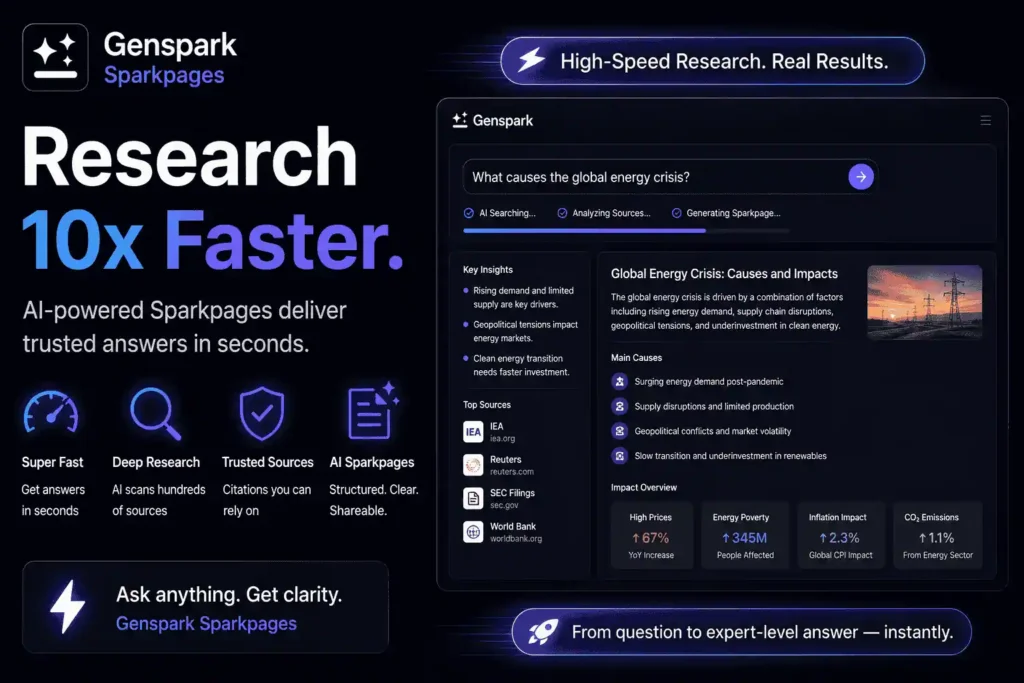
Research is one of the biggest reasons people pay for AI tools. A normal chatbot can answer questions, but a research-focused AI tool can help organize sources, summarize topics, and build stronger content briefs. Genspark positions itself as an all-in-one AI workspace for slides, docs, images, video, code, and design, with a free option to try the platform.
For content creators, Genspark is useful because it helps turn messy research into structured information. Instead of jumping between dozens of browser tabs, you can use it to explore a topic, compare tools, collect ideas, and identify important angles. This makes it especially useful for SEO blog writing, competitor analysis, and market research.
It is also a good option for students and researchers who want faster topic discovery. You should still verify important facts before publishing or submitting work, but Genspark can speed up the first stage of research.
Why creators like it:
- Helps organize complex topics
- Useful for SEO content planning
- Good for research pages and summaries
- Works well for market research
- Offers a free starting point
Use Genspark if you need a Perplexity alternative, an AI search engine, or a faster way to build research-backed content.
4. For Professional Product Photos: Caspa AI
The Paid Giant: Professional studio photography or premium AI product photo tools
The Alternative: Caspa AI
Best for: E-commerce founders, Shopify sellers, Amazon sellers, and product marketers
Cost: Paid plans and trial options

Professional product photography is expensive. You need lighting, models, props, editing, backgrounds, and multiple image versions. For small online stores, that cost can eat the marketing budget quickly. Caspa AI helps e-commerce brands create product photos, AI human model images, animal model shots, backgrounds, infographics, and A+ content.
This makes Caspa AI useful for sellers who want better visuals without booking a full studio shoot. You can create lifestyle images, test different product backgrounds, generate social media creatives, and produce product-focused graphics faster than traditional design workflows.
Caspa AI is not fully open-source, and it is not the cheapest tool on this list. Its official pricing page lists a Starter plan at $39 per month with 500 credits and a $1 one-day trial option. Still, compared with repeated product shoots, it can be a budget-friendly alternative for online sellers.
Best for creating:
- Product listing images
- Lifestyle product shots
- E-commerce infographics
- Social media product creatives
- A+ content for online stores
Always check final images carefully. AI tools may distort labels, packaging text, logos, or small product details. Use Caspa AI for speed, but keep brand accuracy in your own hands.
5. For Audio and Music: Udio
The Paid Giant: Paid AI music generators and stock music subscriptions
The Alternative: Udio
Best for: YouTubers, podcasters, marketers, game developers, and content creators
Cost: Free/trial options and paid plans
AI music is becoming a serious tool for creators who need background tracks, demos, jingles, mood boards, or quick song ideas. Udio is one of the most popular AI music platforms because it can generate high-quality music from text prompts. Its official pricing page presents flexible plans for AI music creation.
For creators, the value is speed. A YouTuber can test intro music. A podcaster can create episode mood music. A game developer can generate placeholder tracks. A marketer can explore campaign audio ideas before hiring a producer or buying licensed music.
Udio also has credit-based limits. Its help center says each creation action produces two songs, and free accounts can only create three 130-second songs per day regardless of available credits.
Best use cases:
- YouTube background music
- Podcast intros
- Social media audio ideas
- Game prototype music
- Creative songwriting experiments
Be careful with commercial usage. AI music rights are still changing, and Udio has been part of major music industry licensing discussions. Use it for drafts, ideas, and experimentation, then check the terms before using tracks in monetized projects.
6. For Coding: Continue.dev + Ollama
The Paid Giant: GitHub Copilot
The Alternative: Continue.dev + Ollama
Best for: Developers who want privacy, local code help, and zero monthly fees
Cost: Free/local setup
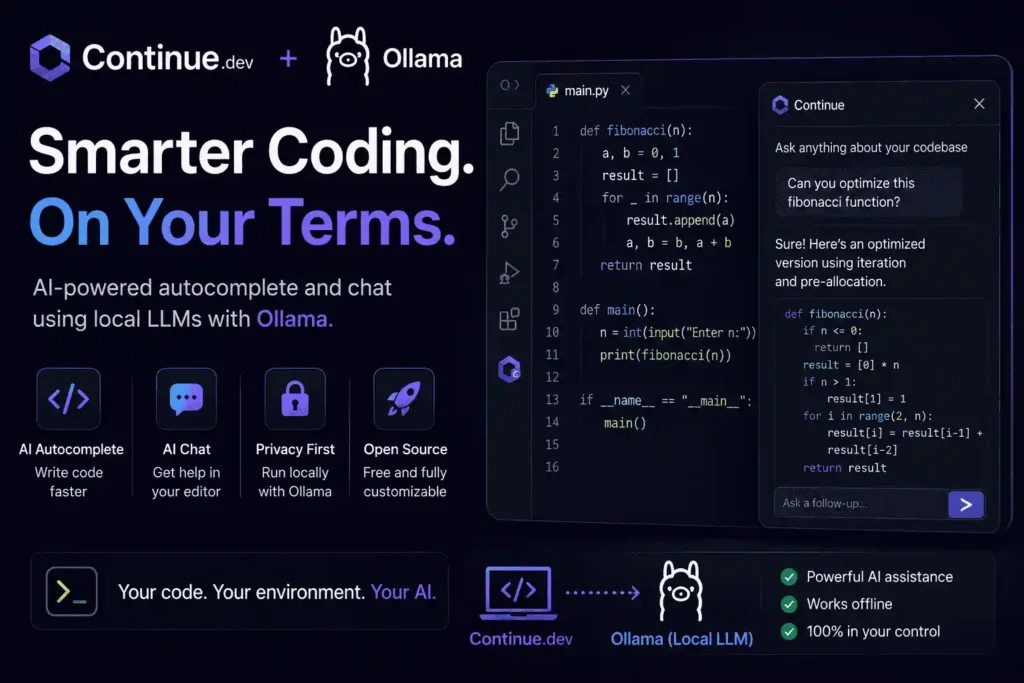
Developers do not always need a paid coding assistant. With Continue.dev + Ollama, you can build a private AI coding workflow inside your editor. Continue’s guide explains how to use Ollama for local AI development, including model selection, installation, performance optimization, and privacy-focused offline coding assistance.
This setup is useful for code explanations, refactoring, autocomplete, debugging, and project Q&A. The biggest benefit is privacy. If you work on confidential code, local models can reduce the need to send your repository to cloud AI services.
Ollama’s blog also explains that Continue can create a coding assistant inside Visual Studio Code and JetBrains using open-source LLMs, and that it can run on your laptop or through an Ollama server.
Why developers use it:
- Works with local models
- Can run inside VS Code and JetBrains
- Helps with code chat and autocomplete
- Reduces monthly coding assistant costs
- Better for privacy-sensitive projects
This is not as plug-and-play as GitHub Copilot. You need to install Ollama, choose a model, connect Continue, and tune the setup. But once it works, it becomes one of the best free AI coding assistants for developers who value control.
7. For Writing and Grammar: LanguageTool
The Paid Giant: Grammarly Premium
The Alternative: LanguageTool
Best for: Students, bloggers, non-native English speakers, teams, and SEO writers
Cost: Free version, open-source core, premium options
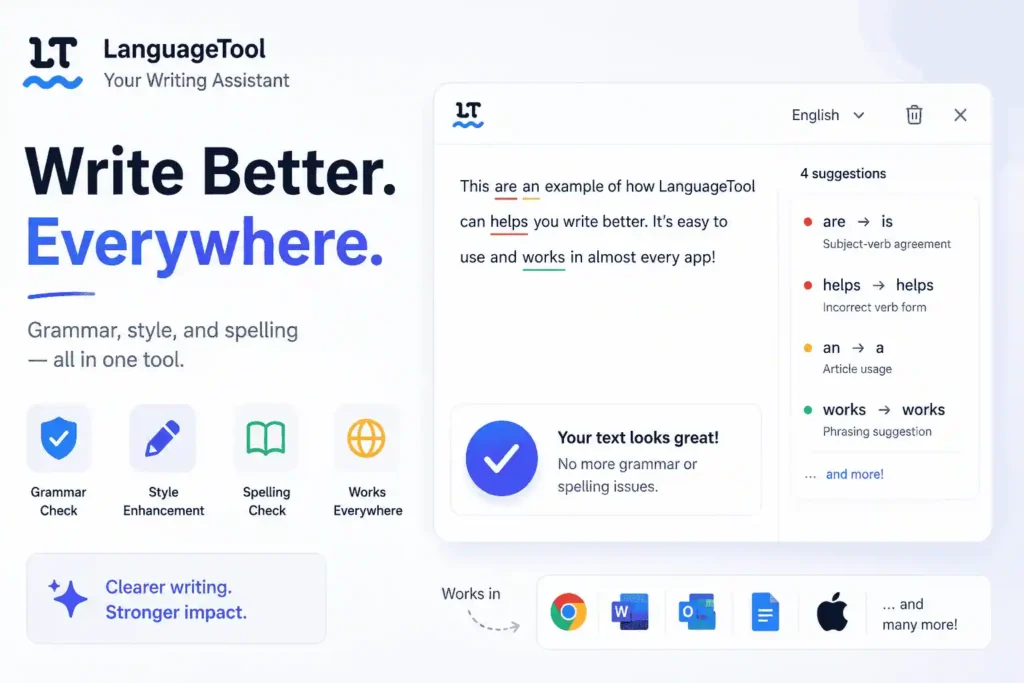
If you write emails, essays, blog posts, product pages, or social media content, grammar tools are essential. But premium writing subscriptions can feel expensive, especially if you only need clean grammar and better readability. LanguageTool is one of the best Grammarly alternatives because it checks grammar, spelling, and style across languages.
LanguageTool’s GitHub page describes it as open-source proofreading software for English, Spanish, French, German, Portuguese, Polish, Dutch, and more than 20 other languages. It also catches errors that simple spell checkers often miss.
This makes it great for students, bloggers, agencies, and non-native English speakers. You can use it to polish articles, improve emails, fix grammar mistakes, and make writing easier to read. For SEO writers, that matters because search-friendly content should also be human-friendly.
Best features:
- Grammar and spelling checks
- Multilingual proofreading
- Style and clarity suggestions
- Browser and writing tool support
- Open-source core functionality
LanguageTool will not replace a human editor for high-stakes content, but it is a strong free grammar checker for everyday writing.
8. For High-Speed Research: Genspark Sparkpages
The Paid Giant: Perplexity Pro
The Alternative: Genspark Sparkpages
Best for: Market research, content planning, academic research, and competitor analysis
Cost: Free tier available
Genspark deserves another mention because Sparkpages are useful for deeper research workflows. While a normal AI chatbot gives you an answer, Sparkpages are designed to organize research into structured pages. That makes them valuable for SEO writers, researchers, students, and startup teams.
This is especially helpful when you are building long-form content. A Sparkpage-style workflow can help you identify subtopics, compare information, find supporting materials, and understand the search intent behind a topic. Instead of starting with a blank page, you begin with a research map.
Use Genspark Sparkpages for:
- SEO blog outlines
- Competitor research
- Product comparison research
- Academic topic exploration
- Market trend analysis
The key is to use it as a research assistant, not as your final writer. AI research tools can still miss context or include weak sources. Always verify numbers, prices, claims, and dates before publishing.
For creators searching for AI research tools, AI search engines, and free Perplexity alternatives, Genspark is one of the most useful tools to test.
9. For Document Translation: O.Translator
The Paid Giant: DeepL Pro and professional document translation services
The Alternative: O.Translator
Best for: Legal, finance, academic, technical, and business documents
Cost: Free preview and paid translation options
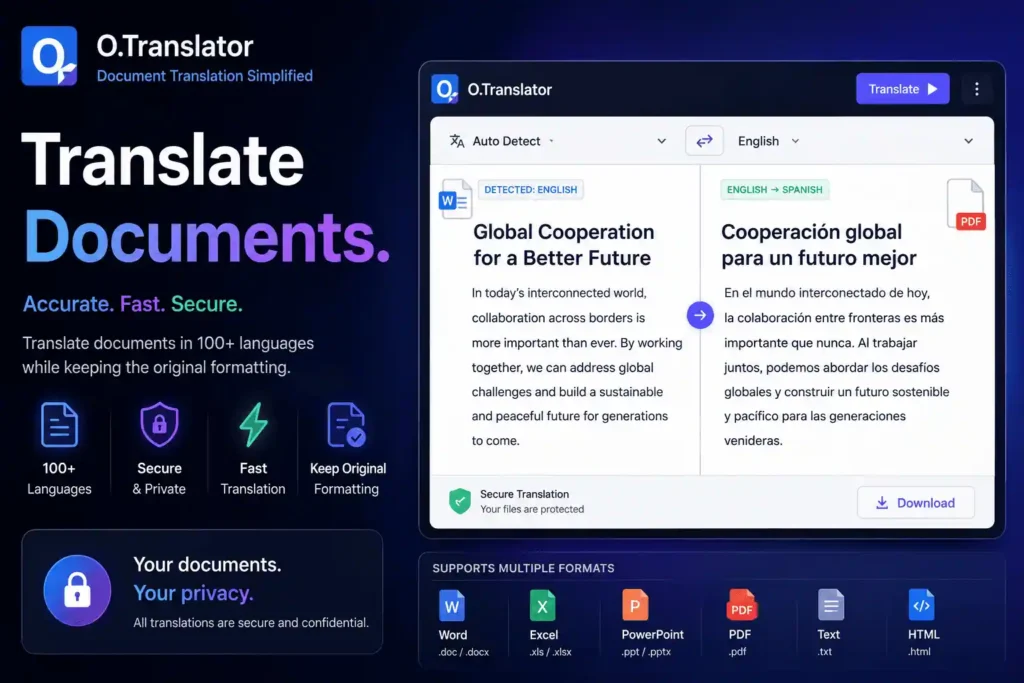
Translating documents is easy until formatting breaks. PDFs lose columns. Tables shift. Bullet points disappear. Charts become messy. That is where O.Translator stands out as a budget-friendly document translation tool.
O.Translator describes itself as a professional-grade translation service for PDF, Word, and other documents while preserving original formatting. Its site lists support for more than 100 languages and 50+ file formats.
This is useful for academic papers, legal documents, manuals, financial files, reports, presentations, and business documents. The main benefit is format preservation. You are not just translating text; you are trying to keep the document usable.
Its demo page also highlights layout preservation, visual consistency, and professional documentation.
Best for translating:
- PDFs
- Word documents
- Business reports
- Technical manuals
- Academic papers
- Legal or finance files
For high-stakes work, do not skip human review. AI translation is helpful, but legal, medical, technical, and financial documents need careful checking.
10. For Transcribing Meetings: MacWhisper or Whisper.cpp
The Paid Giant: Otter.ai, Fireflies.ai, and paid meeting transcription tools
The Alternative: MacWhisper / Whisper.cpp
Best for: Students, journalists, podcasters, researchers, and meeting-heavy teams
Cost: Free or low-cost depending on setup
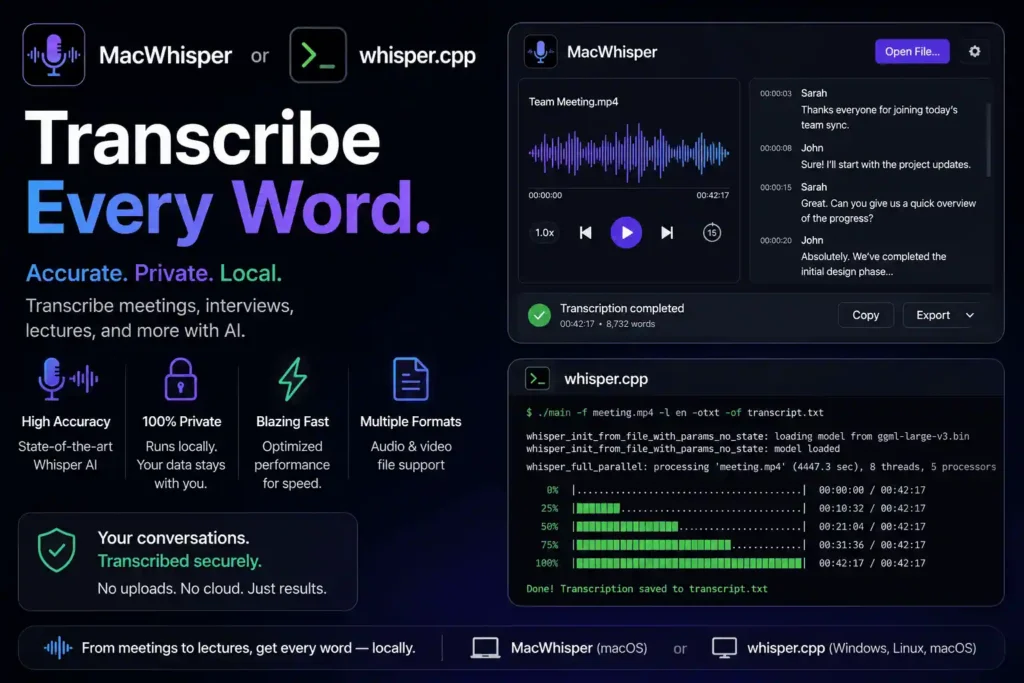
Transcription is one of the easiest AI costs to cut. OpenAI’s Whisper model was trained on 680,000 hours of multilingual and multitask supervised data, making it strong for accents, background noise, technical language, transcription, and translation.
MacWhisper makes Whisper easier for Mac users. Its official website describes it as an AI transcription app powered by OpenAI Whisper and Nvidia Parakeet, built for transcribing audio, meetings, and YouTube content.
This is useful for students recording lectures, journalists transcribing interviews, podcasters creating show notes, and founders saving meeting notes. Since local transcription can run on your own device, it can also reduce privacy concerns compared with uploading sensitive recordings to a meeting bot.
Best use cases:
- Meeting transcripts
- Lecture notes
- Podcast transcripts
- Interview transcription
- YouTube video transcripts
- Research call notes
Paid tools like Otter and Fireflies may offer automatic meeting joining, speaker labels, and team features. But if you want private AI transcription without another monthly subscription, MacWhisper and Whisper.cpp are excellent alternatives.
How to Choose the Best AI Alternative for Your Workflow
The best AI alternative depends on what you want to replace first. If your biggest cost is ChatGPT Plus, start with Llama via LM Studio, Ollama, or Groq. If your biggest cost is Midjourney, test FLUX.1. If you spend too much on coding tools, use Continue.dev with Ollama. If writing quality is the problem, try LanguageTool.
For creators, the smartest setup is usually a mixed AI stack. You do not need one tool to do everything. You can use LM Studio for private writing, FLUX.1 for images, Genspark for research, LanguageTool for editing, and MacWhisper for transcription. That setup can replace several paid tools while keeping your workflow flexible.
Also, understand the difference between these terms:
- Free AI tool: Costs nothing to start, but may have limits
- Open-source AI tool: Source code is available for inspection or self-hosting
- Open-weight AI model: Model weights are available, but license terms may vary
- Budget-friendly AI tool: Not always free, but cheaper than traditional services
The most important ranking factor for your personal AI stack is not hype. It is usefulness. Choose tools that save time, protect your data, reduce costs, and fit your real workflow.
Did we miss your favorite budget AI tool? Submit your tool to Start With AI Tools and help other creators discover better, cheaper, and smarter AI software.